Apps Like Blur - Create Beautiful Wallpapers for iPhone and iPad
Create personal wallpapers for iOS.
The app allows users to remix personal photos to create wallpapers for iOS devices. It offers a Home Screen Test Mode and a Live Parallax effect throughout the interface for a sense of depth.
by Taphive GmbH★ 3.56 ratingsPhoto & VideoFreeData updated 2026-10-21
Edit videos with trimming, splitting, and merging tools. Add text, stickers, and music. Apply filters and transitions. Export in vertical 9:16 format. Share directly to TikTok, Reels, and Shorts. Supports multiple video and audio sources.
The app helps users resize photos to fit their screen for wallpapers. It offers features like image move, resize, rotate, blur effects, and a color palette.
View and customize high-quality with daily updates. Browse curated collections and save favorites. Share with friends via social media. Apply to lock and home screens.
The app adds depth of field to images, creating realistic blurs with Bokeh effects. Users can adjust blur amount, use finger painting to mask focus regions, and share creations on social media or save them.
Create customized monogrammed with selectable backgrounds and text. Add unlimited text elements and apply filters for color, brightness, contrast, and saturation. Adjust hue and add effects like vignette. Include design elements and stickers.
Set home and lock screen with high-resolution images. Choose from static and animated options. Customize wallpaper settings for optimal display. Share via social media or messaging.
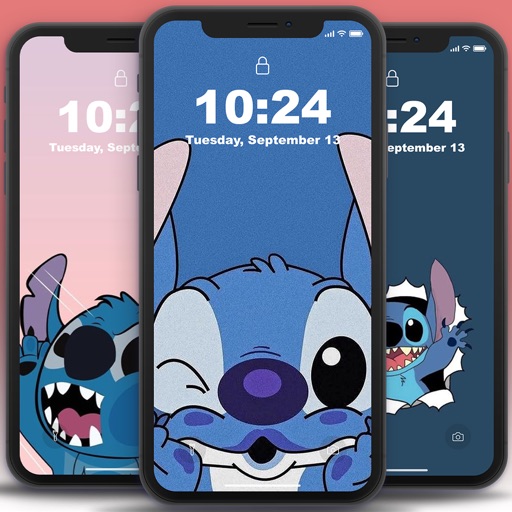
Customize phone with character images. Select and set images as with one-click save. High-quality pictures available without hidden conditions. Does not consume much storage space.
Create graphics from a single . Apply 3D parallax effects for realistic depth. Use exclusive overlays to enhance images and videos. Access a library of audio tracks to complement projects. Subscribe for additional features.
Download and apply high-quality , Club, and anime-style wallpapers to home or lock screen. Filter by aesthetic, pastel, dark mode, or chibi characters. Edit wallpapers with built-in tools. Receive daily new additions.
Customize device appearance with themes, widgets, and . Change home and lock screen designs with matching visual elements. Apply free themes to create a unified look across the device.
Create collages using over 50 templates. Customize layouts, add text, and include photos or videos. images with filters, cropping, and manual adjustments. Shoot photos with manual camera controls. Export and share edited content in various formats.
Set home screen and lock screen with pre-designed pink-themed images. Select and apply instantly. Browse a collection of , stylish backgrounds for iPhone.
Create wallpapers with high-quality animations and choose from various categories. Access static wallpapers for the home screen. Customize wallpapers using editing tools to match personal preferences.
Allows users to or unblur specific areas of a . Apply Gaussian, Zoom, or Motion effects. Use Mosaic effects like Pixel, Crystalize, Dots, or Glass. Zoom and rotate for detailed editing.