The app analyzes the movement of persons or objects in a video using physics. It can record HD and slow-motion videos or import existing ones for analysis.
by Roland Wejner★ 0.00 ratingsEducation$5.99Data updated 2026-10-21
Children can color eight scenes including playgrounds and beaches using many color pencils. Each pencil has a voice to teach color names. Big, easy-to-use diagrams allow creative coloring with different .
The app captures video and sound through audio-visual filters. Users can process existing photos and videos using these filters and share them to platforms like Facebook and YouTube.
Allows users to look up words in multiple languages including English, Russian, German, French, Chinese, and Japanese. It supports smart keyword searches and offers translation via Google.
Edit videos by adjusting playback with points. up or slow down specific segments for creative effects. Preview and refine timing before finalizing edits. Share edited videos directly.
Create animations using frame-by-frame drawing on photos. Add doodles and export as GIF or video. Share finished animations with friends. No advanced drawing skills required.
Visualize pathways, practice steps, master concepts
Explore biochemical pathways through interactive diagrams and detailed explanations. Practice with quizzes to test knowledge. Track progress and review concepts for better understanding.
Explore a museum with 360-degree views. Watch educational animated videos. Ride a dino coaster and play interactive games like a Jeep chase to learn about prehistoric creatures.
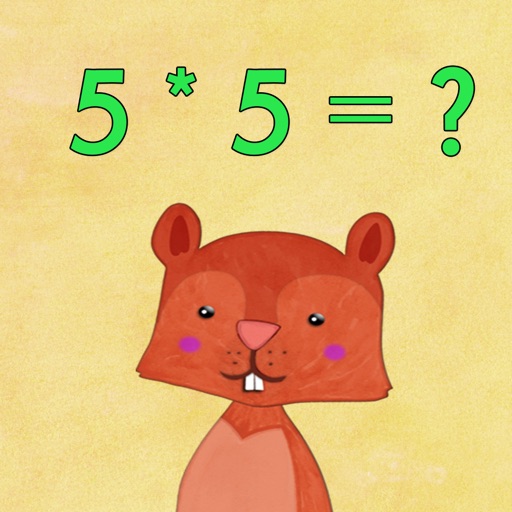
Teach multiplication through interactive games and quizzes. Choose difficulty levels and track progress. Receive instant feedback and earn rewards for correct answers. Share results with parents or teachers.
Create professional-looking presentations with customizable templates. Add text, images, and animations. Edit slides, update content, and share presentations online or via email. Export in various formats for viewing and printing.