
Finger Paint (Ape Apps)
Brandon Stecklein
Create art with many colors.
The app provides a blank canvas and over 40 colors for finger painting. Users can select pen sizes, use a flood fill tool, or clear the canvas.
Showing 381–400 of 1,000 ranked alternatives.
Brandon Stecklein
Create art with many colors.
The app provides a blank canvas and over 40 colors for finger painting. Users can select pen sizes, use a flood fill tool, or clear the canvas.
SOFTIZO INFOTECH LLP
Edit photos with effects
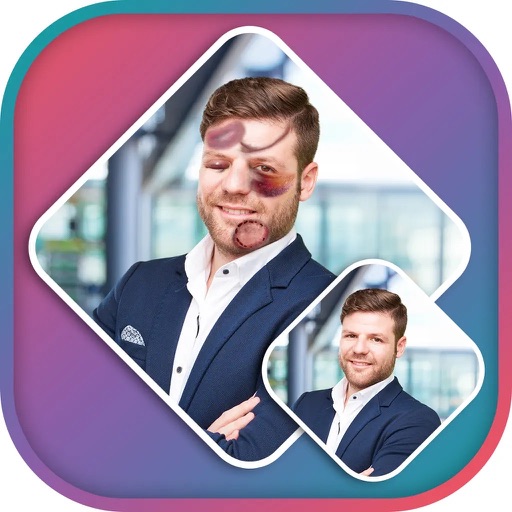
Apply effects to photos using pre-designed styles and stickers. Add -themed overlays and effects. Edit and save modified images directly. Share edited photos through integrated sharing options.


Alteru Inc.
Draw, decorate, and share imagination easily.
The app allows users to draw on a blank canvas or import photos. Users can add stickers, text, and shapes, choosing from various brush colors and sizes to create unique artwork.

Cardinal Blue Software, Inc
Edit photos and videos to create stories
Create photo and video stories with customizable animations and templates. Add text, stickers, and music. Edit clips, adjust brightness and filters. Share directly to social media or messaging apps. Save and view stories in gallery.
婷 熊
Apply and edit photos
Apply thematic with 18 styles, each offering 20 variations. Use grid combinations to blend multiple . Add graphics and art for creative . Customize with multi-functional tools. Export edited images in various formats.

Sansa Group AB
Create faces from photos
Create -style images from photos using AI-powered filters. Apply effects like toonify, child, and yellow head. Edit faces and generate 3D avatars. Share edited images directly.

Hangzhou Zero Zero Technology Co., Ltd.
View live stream, control drone, share media
View real-time HD video stream from the drone. Take photos and videos remotely. Adjust gimbal orientation and camera settings in real time. Control drone direction and height. Download and share captured media.



Nalin Savaliya
Edit photos with shattering effects
Edit photos with blur background settings, shattering effects, and color frames. Add overlays and crop, rotate, or flip images. Import from gallery or camera, and share edited photos to social media.


Romain Piveteau
Edit photos with layers and filters
Edit photos using non-destructive layers and filters. Drag images into the workspace or layers list to add them as new layers. Apply live adjustments with real-time previews. Support multi-touch gestures for intuitive navigation.

Apps are ranked by functional similarity, category fit, rating confidence, and popularity.