Apps Like Wallpaper Optimizer Lite for iPhone and iPad
Resize photos to fit screen easily.
The app helps users resize photos to fit their screen for wallpapers. It offers features like image move, resize, rotate, blur effects, and a color palette.
by DongMyoung Song★ 4.69 ratingsPhoto & VideoFreeData updated 2026-10-20
Edit photos by selecting from Camera Roll or taking new shots. Apply real-time effects to create prism-like glass pieces. Adjust frames, shapes, and patterns. Rotate, resize, and drag elements for custom designs. Export and share edited images.
View and save high-quality wallpapers featuring koalas in natural habitats. Set home screen and lock screen backgrounds. Browse curated collections of images. Share favorite wallpapers with social media.
Resize photos to format without cropping. Apply filters, add text, emoji stickers, and customize background effects. Share directly to social media platforms.
Edit photos by applying filters and adding eye effects. Choose from multiple eye styles and import images from the camera roll. Share edited photos on social media platforms like WhatsApp, Facebook, and Twitter.
Allows users to or unblur specific areas of an image. Select photos from the gallery or capture new ones with the camera. Apply effects and save edited images to the gallery. Share blurred photos on social media platforms like Facebook and Instagram.
Convert black and white images to using selective recoloring. Select photos from the gallery or capture new ones. Pan and zoom for precise editing. Resize and fit images to the screen. Use redo and undo features for error correction.
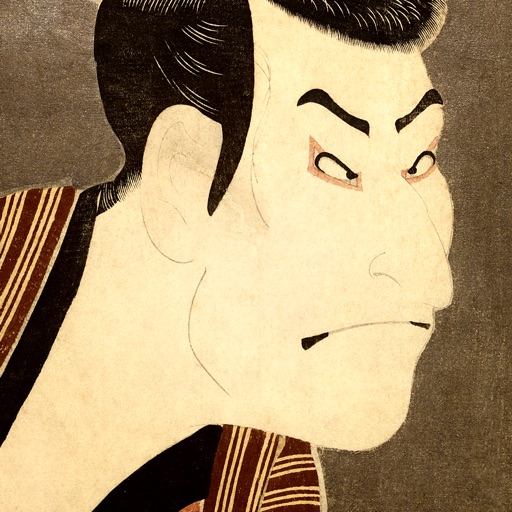
Save and organize featuring works by Hokusai, Hiroshige, and Sharaku. Set as home or lock screen. Create favorites folders and browse through curated collections. Support iOS parallax effect.
Apply art to photos for creative visuals. Add spiral effects and blur backgrounds. Use emoji art, background art, and outline art to enhance images. Apply AI, cartoon, neon, and mask effects. Create retro, atlantis, and big camera styles.
The app offers tools for photo editing, including frames, layouts, and effects. Users can adjust color balance, brightness, contrast, and saturation, and apply sharpening or blurring.
Edit to convert dark areas into for OLED screens. Reduce battery usage by turning off pixels in dark sections. Apply custom to improve battery life and enhance display contrast.
Fry the last frame of videos to upload to TikTok. Edit memes by frying images or GIFs from the photo library or Gfycat. Share finished memes to camera roll or via iMessage as stickers. Open created memes in TikTok and Snapchat.
The app provides over 3200 unique rage faces and over 380 camera booth stickers. Users can add faces to messages, search for specific faces, and import their own images.
Multiple images simultaneously with customizable pixel dimensions. Choose from four modes including fixed width, fixed height, maximum pixel, aspect fill, or aspect fit. Export resized images in selected formats.
Blur faces automatically using facial recognition. Add blur, solid color, or emoji to hide faces. Resize and reshape blur regions. Adjust color and effects. Share edited images to photo library and other apps.
Apply -themed wallpapers and backgrounds to customize phone screens. Choose from HD cute designs featuring unicorns and other girly patterns. Share selected wallpapers with friends via social media or messaging.
Create photo collages and video slideshows with customizable layouts, colors, and patterns. Add text, filters, and music. Edit photos with object removal, skin softening, and blur effects. Include stickers, outlines, and background adjustments.
Create holiday e-cards by selecting from 40+ photo frame templates. Choose a photo from the gallery or camera. Apply effects to personalize cards. Save and share finished designs.