Apps Like Wallpaper Optimizer Lite for iPhone and iPad
Resize photos to fit screen easily.
The app helps users resize photos to fit their screen for wallpapers. It offers features like image move, resize, rotate, blur effects, and a color palette.
by DongMyoung Song★ 4.69 ratingsPhoto & VideoFreeData updated 2026-10-20
View and customize wallpapers and lock screen backgrounds. Preview images before setting. Share or save preferred designs. No downloads required. Adjust backgrounds to fit screen size.
Edit photos and videos with move, rotate, scale, flip, and custom adjustments. Apply unique filters, effects, borders, and frames. Add text and stickers. Share full-size content directly to and other social platforms without cropping.
Provide high-quality HD and 4K for home screens and lock screens. Features include browsing anime-themed images, downloading , and setting them as device backgrounds.
And edit videos and photos in any size or ratio quickly. videos to format with pinch, zoom, and drag features. Add keyframes for creative control. Adjust speed, apply slow motion, reverse, or freeze frames. Resize, rotate, and fill backgrounds.
Provide high-quality 4K and HD -themed wallpapers. Download new wallpapers daily. Adjust size to fit iOS devices. Support parallax effects for enhanced visual experience.
Blur faces or sensitive information with a single tap. Apply masks, adjust blur intensity, and resize or rotate blurs. Preview, save, and share edited photos. Protect privacy by blurring documents, license plates, or unwanted elements.
Customize phone with character images. Select and set images as with one-click save. High-quality pictures available without hidden conditions. Does not consume much storage space.
Create 3D photos from regular images by selecting a and applying a 3D effect with one tap. Adjust depth and perspective settings. Export and share the enhanced 3D photos directly.
Edit photos with filters, light overlays, and aesthetic design elements. Crop, resize, and add borders or shapes. Create collages with multiple layout templates. Include stickers and share edited images on Instagram or Facebook.
With filters, cropping, and adjustment tools. Apply beauty enhancements and double exposure effects. Use color splash and resize images. Access frames and story templates. Change resolution and export in multiple formats.
Convert photos into sketches using up to six different image effects. Apply filters, adjust contrast, and save or share the edited images. Export in various formats and view before-and-after comparisons.
Change lock screen backgrounds with cool images. Download full HD wallpapers and set as wallpaper. Features include easy navigation and small size. All content is under creative license.
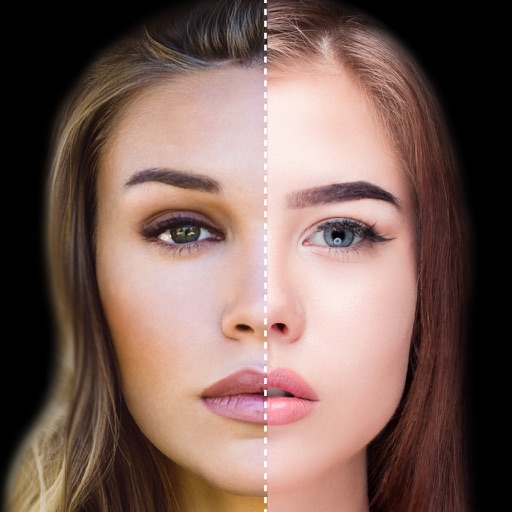
Find lookalikes using AI. Create collages with gradient face-to-face effects. Share with hashtag #looklikeme. Transform photos into art with AI styles. Upscale images for better clarity. No photo storage.