Connect to PCs and virtual apps securely. Access remote desktops from iOS or iPadOS devices. Run admin-provided applications and access 365, Azure Virtual Desktop, and Remote Desktop Services. Manage connections and settings directly on the device.
by Microsoft Corporation★ 4.27,765 ratingsBusinessFreeData updated 2026-09-08
Receive push notifications across all devices using an API and access token. Customize notification channels and deploy a node server for management. Support Lua plugins for extended functionality.
Access files from any device across Europe. Sync folders from computers and external drives to the cloud. Selectively sync specific folders to different devices. Manage files securely with remote access and storage.
Create and manage Sharespaces as virtual hard drives for storing documents. Transfer files between devices using ChronoAgent or SFTP. Share files with other apps, iPhones, iPads, and cloud storage services.
Prepare for the Core Infrastructure exam with 500+ practice questions and 5-minute study sessions. Track progress and maintain daily streaks. Learn Active Directory Domain Services, Microsoft Entra integration, and identity management with Azure.
Transfer files, text, and links between iOS devices and Windows or Linux PCs. Create an account, install desktop apps, and use the share sheet to send content directly. Sync across devices with an internet connection.
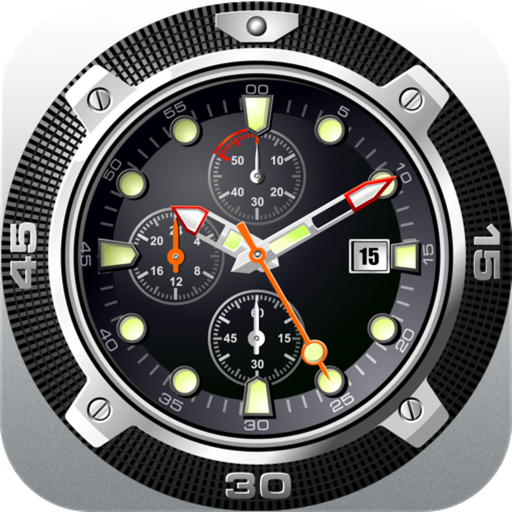
Displays analog and flip- designs with animated quartz movement. Adjust size, position, and transparency. Enable "always on top" and use hot corners to keep visible. Appears on all desktops.