The app offers a powerful, beautiful, and simple pixel editing experience for professionals, hobbyists, and newcomers. It features a clean interface, responsive drawing, unlimited undo, and a robust toolset for creating pixel art.
by Studio Mee★ 4.25 ratingsPhoto & Video$2.99Data updated 2026-10-20
Convert grayscale or black and white images to using selective recoloring. Select and capture images, pan and zoom for precise editing. Adjust brush size and opacity. Apply 200+ filters. Preview changes in real time. Redo or undo edits.
The app provides a digital whiteboard experience for drawing and sketching. It offers multiple marker colors and tip sizes, with undo/redo functionality and the ability to save drawings.
The app converts video to sound for transmission and sound back to video. Users can set the color palette and record the output to an animated GIF file.
View DXF and DWG files with support for ASCII and binary formats. Export to PDF, SVG, IGES, PNG, and JPEG. Adjust size and color, manage layers, and perform panning, zooming, and rotating. Load files from ZIP or RAR archives.
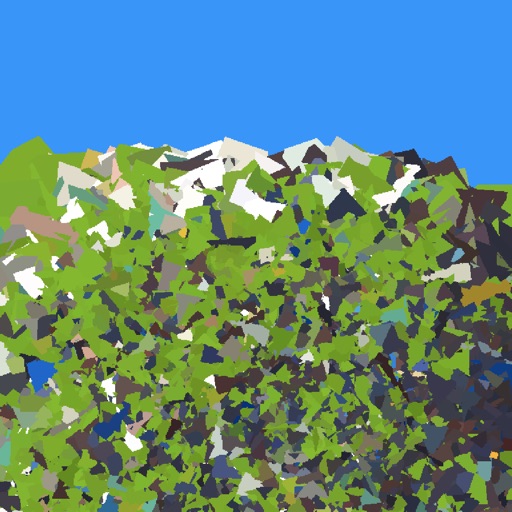
The app reinterprets photographic data by allowing users to select presets or set custom parameters. Users can provide a photo to the app to generate art.
And create sketches using brushes, pens, and pencils. Build layered artwork with zoom for fine details. Import and export vector images in PDF, PNG, and JPEG. Save as transparent PNG. Supports Apple Pencil for precise drawing.