The app allows users to create Hollywood-style trailers and movies with titles, transitions, and music. Users can select albums or groups of videos and images, and the app will create a video with no editing required.
Take time-lapse photos with adjustable interval settings. Create movies from captured images. Store photos directly in the . Export videos in sideways orientation. Adjust settings for photo and video capture.
Add live effects to photos and videos. Apply favorite effects to create dynamic content. Share directly via text, Facebook, or Instagram. Edit and customize selfies with interactive elements.
Capture photos and videos with a Glitter effect for enhanced visual appeal. Edit media from the gallery. Create kirakiragraphs from still images. Swipe left or right to navigate.
The app provides fisheye photo and video capture with live preview. Users can add vintage film looks, colorful ring flash effects, and a GPS watermark to document captured moments.
Create animated photos by adding motion to selected elements. Choose animation styles, adjust timing, and export as video or GIF. Share directly to social media or save for later.
Create animated visual stories from still images using motion effects and overlays. Combine static photos with to produce dynamic animations. Share creations with a community of photographers and artists.
Create collages using photos and videos. Add text, stickers, and backgrounds. Include video clips in collages. Share finished projects directly. Edit images with cropping and filters. Save and export in various formats.
Edit photos with enhancement tools, effects, and color splash. Add stickers, frames, and overlays. Create collages and custom drawings. Crop, rotate, flip, and straighten images. Adjust brightness, contrast, and saturation.
Take photos with a retro film interface. Apply filters and grain effects. Adjust exposure, contrast, and color balance. Add film-style borders and text overlays. Export images in JPEG format and share via social media.
Edit photos and videos with AI-enhanced filters, animated effects, and advanced adjustments. Apply customizable effects to enhance scenes. Add text, stickers, and transitions. Export in various formats and share directly.
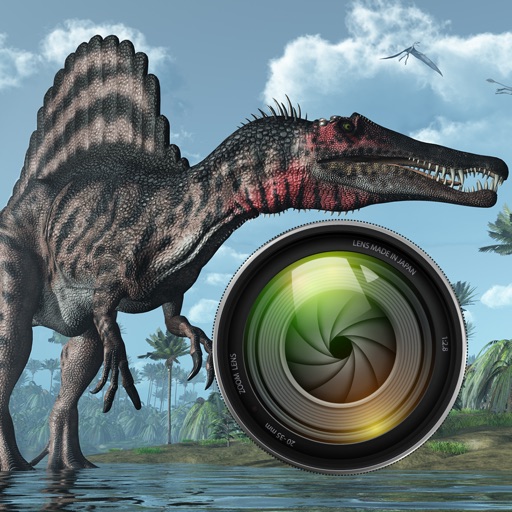
Add dinosaurs to photos with tap-to-place features. Choose from over 60 species including Tyrannosaurus, Pteranodon, and Stegosaurus. Adjust positioning and scale. Export edited images directly.
Lens Buddy Selfie Timer Photo Video Filter Camera LLC
Capture photos on your own schedule
Take photos automatically using a set time interval between shots. No need to press buttons or hold the device. Capture -portraits and group photos. Edit and share images directly from the . Sync with social media platforms.
Convert static images into animated videos with AI-driven animation. Upload photos, select styles, and generate dynamic videos for TikTok, Instagram, and Reels. No editing skills required. Share directly from the .
Capture photos and videos using voice commands. Take a photo, start or stop video recording, reverse the , and enable or disable the flash. Voice recognition works offline on iOS 13 and higher. Configure custom phrases for commands.
Record video and photos with manual controls for exposure, focus, and white balance. Use advanced editing tools with 200+ professional filters. Adjust settings for low-light performance. Share directly via iMessage or social media.
Create AI-generated videos and photos with filters like baby dancing, polaroid, and luxury styles. Add effects such as sway dance, elevator , and winter image.
The app offers video editing tools including trimming, merging clips, and adding text or animated titles. Users can adjust video display, speed, and apply various filters and transitions.
Functions as a that adjusts brightness automatically to capture images in both bright and dark environments. It does not support video recording; users must use the standard iOS screen recording function for videos.