The app allows users to create and edit melodies using a line-drawing mechanic. Users connect characters representing musical notes, with the drawn lines forming melodies that are governed by musical rules.
by Jiyoung Lee★ 4.449 ratingsEducationFreeData updated 2026-10-20
Play piano by tapping musical animal to perform classic songs like Twinkle, Twinkle Little Star and Canon in D. Select different animal characters such as cats and dogs to customize the piano interface.
Practice ear training, sight reading, and music theory exercises. Set musical goals and track progress with detailed statistics. Focus on specific areas like intervals, chords, and rhythm. Challenge weak areas and invite friends to practice together.
Enhance musical skills through structured practice and personalized learning.
The app offers a structured approach to musical training with a variety of exercises. It allows users to customize their learning experience and track progress effectively.
The app displays musical pitches and their frequency values in hertz. Musical instruments are associated with hertz values, and the frequency spectrum is split into tabs for access.
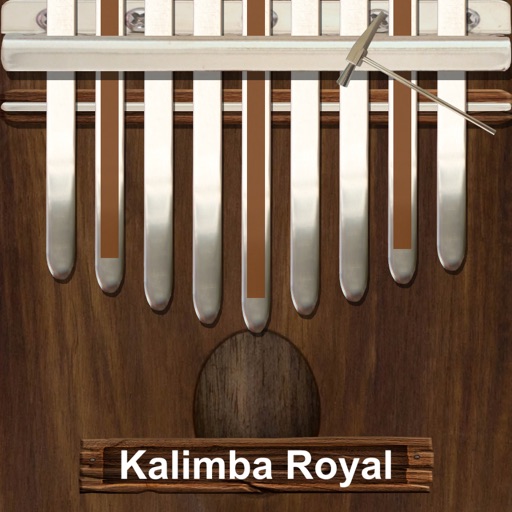
Play a traditional African musical instrument with metal tines. Pluck tines with thumbs to create melodies. Adjust pitch and volume. Save and share recordings. Learn scales and chords through built-in lessons.
The app is a musical instrument designed to play arpeggios. Users can design arpeggio patterns and control speed, pitch, volume, pitchbend, and vibrato.
Children can play virtual instruments like , xylophone, trumpet, flute, violin, guitar, drums, saxophone, and accordion. They can create melodies, tap rhythms, and customize instrument sounds.
Create using AI-generated melodies, lyrics, and compositions. Adjust tempo, key, and genre. Export tracks in multiple formats. Collaborate with other users to refine and share creations.
Play piano melodies by tapping on-screen keys. Access a library of preloaded songs. Follow along with visual feedback. Adjust volume and playback speed. Save progress and replay sessions. Share performances via social media.
The app plays monophonic melodies and converts them into music notation. Users can edit scores, change playback sounds, and share results via email, Twitter, or Facebook.
Analyze MIDI and audio to identify key and scale. Suggest chords, melodies, and basslines. Connect to keyboards, synths, or MIDI devices via Bluetooth. Edit and arrange musical content. Export tracks in various formats.
Stream music including remixes, minimixes, megamixes, and new singles in English and Arabic. Access musical news and links to YouTube and Instagram. Share content and discover trending tracks.
The app provides tools for writing songs, allowing users to experiment with structure, chord progressions, melodies, arrangements, and lyrics. Users can export PDF scores, MIDI, and audio, and create custom sound and composition templates.
Convert images into music by analyzing color patterns as the image spins. Adjust volume, pitch, and tone settings. Create unique songs from personal photos or use for musical inspiration. Export and share generated audio files.
To create by painting shapes that generate melodies. Choose from various instruments and adjust sound parameters. Export audio files and share creations. Sync with Apple Health to track creative sessions.
Learn and practice musical with interactive ear training exercises. Identify intervals, chords, and progressions. Track progress and receive feedback. Sync with other devices via storage.
Teaches babies and toddlers through interactive musical games. Play lullabies, nursery rhymes, and children's songs. Tap buttons to trigger sound effects and melodies. Includes simple touch controls for young children.