Monitor device orientation with on-screen compass for accurate horizontal and vertical alignment. Adjust tilt to capture precise angles for photos and videos. Display real-time direction when screen is perpendicular to the ground.
by y-design★ 4.037 ratingsPhoto & Video$1.99Data updated 2026-10-14
Capture photos with integrated GPS data including location, altitude, weather, and . Add real-time date-time watermarks. Share geotagged photos with friends to show travel locations. Track live location and time during photo capture.
Create 3D scenes with 360° technology. Replace backgrounds with virtual environments. Move freely within scenes to capture photos and videos from multiple angles. Adjust lighting to match real-world conditions. Import photos to use as backgrounds.
Adjust exposure, focus, and white balance manually. Control shutter speed and ISO settings. Use a gray card for accurate white balance calibration. Capture high-quality photos with full manual camera controls.
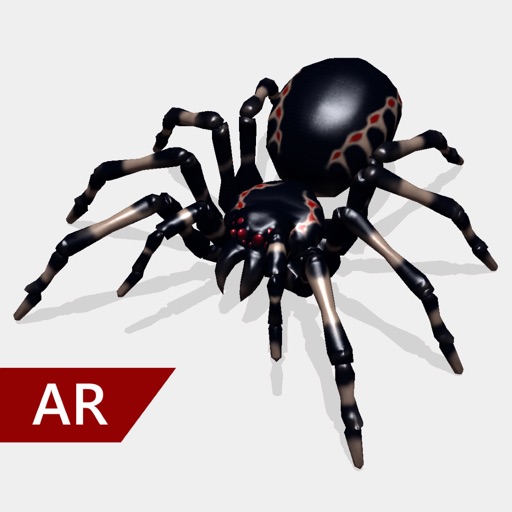
Create and share realistic scary videos featuring interactive . Choose from five spider types and adjust their size. Step on the ground to scare or let them attack. Apply nine full-screen filters to enhance the effect.
Take standardized photos and videos of patients using framing templates to avoid distortions. Use device angle sensors for accurate shots. Capture ghost photos based on shadows. Compare before and after images for visual assessments.
APPAS SOLUTIONS, SOCIETATEA CU RASPUNDERE LIMITATA
Capture in 45x view
Take photos with 45x digital . Pinch to in or out. Manually focus and capture zoomed images. Access a secret folder for secure storage. Use compass to determine cardinal directions. View GPS coordinates from GLONASS system.
The app allows users to capture photos with customizable information overlays, including location, date, and comments. Photos can be stored within the app or exported to cloud services with flexible options.
Edit photos to correct distortion, straighten images, and adjust non-rectangular shapes into rectangles. Manually or automatically correct tilt and distortions. Distort or reshape photos and graphics as needed.
Record videos using front and rear cameras with Switch Cam Mode. Capture feeds in Screen Mode. Use PIP Mode for picture-in-picture video playback. Edit and share recorded content directly.
Take photos with continuous focus and exposure adjustment. Use horizontal detection for natural shots. up to 144x during or after shooting. Trim images before saving. Import photos from the library. Quick launch via widget.