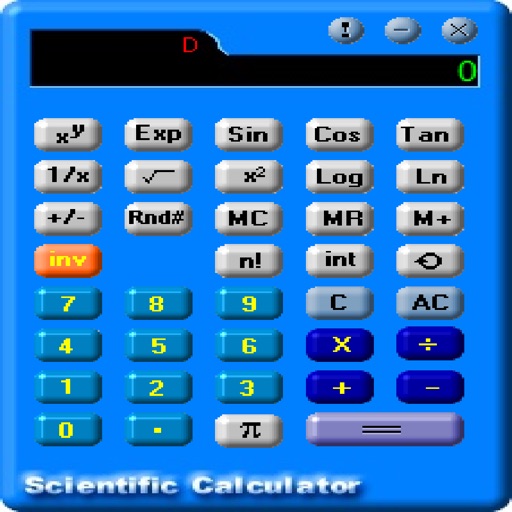
The app offers scientific and standard modes with over 30 scientific operations. It supports degrees and radians, parentheses, and output in decimal or scientific notation.
by Miroslav Otsedarski★ 4.7496 ratingsUtilitiesFreeData updated 2026-10-19
Perform calculations with an intuitive interface. Input expressions directly, see the full equation, and edit it dynamically. Automatically recalculate results after changes. Access scientific functions like sine and cosine.
Perform financial calculations with tools for loan analysis, amortization schedules, and refinance savings estimation. Convert units across multiple categories. Automatically generate notes and track expenses for budgeting and planning.
Displays calculations in a scrollable format for easy review. Users can track calculation history, perform basic arithmetic, and use a scientific mode for advanced functions. Input and results are visible simultaneously for accuracy.
Calculate mathematical expressions with infix notation, view full equations as they are typed. Customize themes to match personal style. Access via lock screen widgets. Use one-handed keyboard for larger devices.
C- Pro allows calculations in feet, inches, and fractional inches. It includes modules for material estimates, crown moulding, conversions, area, volume, and arc calculations.
Perform complex calculations with a supporting trigonometry and Bessel functions. Access over 80 mathematical functions and quick references for basic operations. Solve equations efficiently for engineering tasks.
Perform calculations, convert units and currencies, and compute percentages and proportions. Calculate areas and volumes. Drag and drop to create custom calculators. Solve complex or simple math problems.
Calculate taxes with a dedicated tax button and grand total function. Display equations and results simultaneously on a double line interface. Round to two decimal places and correct mistakes easily. Email or copy tape entries for record keeping.
Perform calculations with a simple or interface. Solve equations step by step and view detailed explanations. Access calculation history for review or sharing. Generate graphs for visual representation of equations.
Calculate with scientific and engineering notation
Perform scientific and engineering calculations with support for notation like 1E-6 and multipliers such as p, n, u, m, k, M. Edit formulas, recalculate, and view calculation history.