The app compares two Final Cut Pro X projects, detailing changes between them. It generates step-by-step reports for adjustments needed to match new edits, which can be exported as PDF or text files.
The app allows users to add text captions to photos and share them. Users can select from 78 custom fonts and 41 layer effects, including banners, thought bubbles, frames, and emojis, to enhance their captions.
Is a clapperboard and recording sheet for image production. Users can input title, scene, camera, and director details. It includes clapper sound animation and supports global timecodes. Recording takes can be edited and saved in a list.
Convert videos into high-quality photos with original resolution. Capture still frames from videos for moving subjects like babies and pets. Save consecutive frames as separate photos.
Create and edit artwork using AI-powered image generation. Choose between on-device or cloud processing. Generate high-resolution images up to 2048×2048. Edit and refine digital art directly on iOS devices. Save and share finished projects.
Edit photos with AI-powered visual transformations. Choose from style, setting, and accessory options to customize generated images. Build a visual chain by applying sequential edits and refine each version with additional adjustments.
Adjust video speed from 30 to 120 or 240 frames per second using advanced image processing. Convert high-speed videos to standard 30 or 24 frames per second. Edit videos from the camera roll and export modified clips.
Fix closed using AI and eye reference for realistic results. Edit face expressions to add smiles or change emotions. Overhaul outfits to transform photos. Enhance colors and repair damaged images. Convert albums into sticker sets.
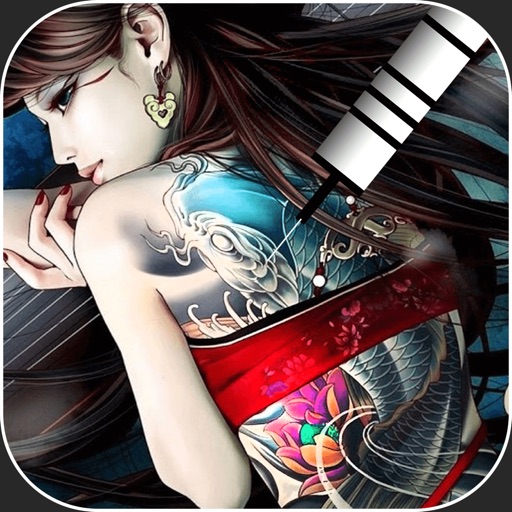
Create virtual tattoos on photos by selecting from 100+ black and white or 60+ color totems. Add text or captions and adjust position, rotation, size, font, or color. Save edited images to the photo library or share via social media.
The app connects to and controls Garmin VIRB cameras, including VIRB 360. Users can playback, edit, and share content, and live stream directly from their mobile devices.
Edit videos by cutting, merging, and reversing clips. Add watermarks and text. Rotate videos and customize covers. Modify direction and adjust cover images.