The app allows users to input braille characters using six buttons, similar to a braille typewriter. It can output the braille characters as audio and save braille images to the camera roll for later review.
by Seiji Nagano★ 0.00 ratingsEducationFreeData updated 2026-10-18
The app offers input for arithmetic, trigonometric, and Greek characters with superscript and subscript options. It supports Air Print, PDF creation, graph generation, and drawing various mathematical symbols and shapes.
Learn words with based on HSK 1, covering 150 simplified and traditional characters. Audio pronunciation is available for each word. Progress through levels to build vocabulary. Track learning sessions and review words for retention.
The app presents letters, numbers, shapes, and colors when the screen is touched. The screen is divided into four buttons, each dedicated to a subject.
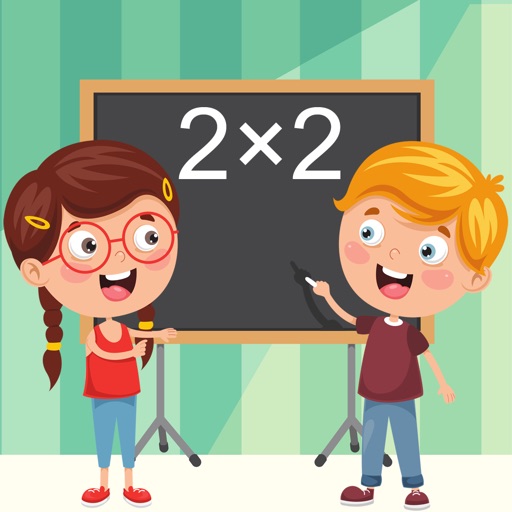
The app uses handwriting recognition for multiplication practice. It covers tables 1-12 with adaptive difficulty and includes mini-games for engagement.
Allows children to assemble animated scenes with drag-and-drop pieces. Features include interactive characters, colorful visuals, and simple touch controls. Users can complete to progress through levels and explore themes.
The app teaches touch typing with animated fingers and customizable zones. It offers 28 general lessons, two sets of 32 lessons for kids, and the ability to import custom lessons via iCloud Drive.
The app teaches touch typing with animated fingers and customizable zones. It offers 28 general lessons, two sets of 32 lessons for kids, and the ability to import custom lessons via iCloud Drive.
Learn characters with guidance. Search by English word, character, or voice. View sequences and practice writing. Receive feedback on character structure and penmanship. Track progress and revisit characters for review.
Coloring book allows users to select and apply to illustrated scenes. Features include painting fairytale characters, customizing outfits, and saving completed artworks.
The app offers three sections for learning and creating graphs. Users can learn chart creation, use a tool to input data for charts, or design graphs with personal images and text.
The app covers the first half of the third-grade math curriculum with 28 units and 56 sections. It includes animated lessons with characters and practice problems with hints.
The app offers three sections for children aged 2 to 5 to learn and play. It includes interactive screens with animated characters and sound effects to engage young learners.
Identify and name Vietnamese medicinal plant leaves. Provide information on uses, properties, and traditional remedies. Allow users to compare similar leaves and save notes for reference.
Let children explore puzzles with 14 colorful characters. Watch an introductory video about Leo and his sticker world. Complete puzzles to engage and learn through interactive gameplay.
The app helps children learn to write characters with stroke order animations and practice. It includes word building, sentence creation, and tests to make learning characters engaging.