The app allows users to input braille characters using six buttons, similar to a braille typewriter. It can output the braille characters as audio and save braille images to the camera roll for later review.
by Seiji Nagano★ 0.00 ratingsEducationFreeData updated 2026-10-18
Teaches children new vocabulary through interactive games and videos. Features animated characters, voice acting, and illustrations. Allows to identify animals in the forest and on the farm. Includes fun music and sound effects to enhance learning.
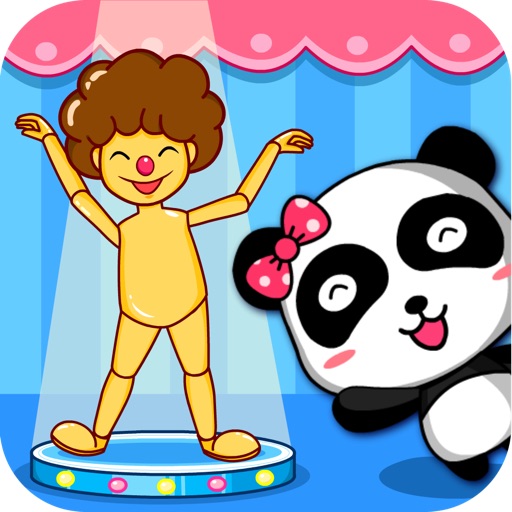
The app allows children to learn about human body parts through play with a magic doll. It features cartoon characters, simple gameplay, and encouraging elements to capture a child's attention and achieve educational goals.
Learn basic vocabulary through interactive lessons on numbers, colors, and shapes. Complete visual and auditory exercises. Play vocabulary games after each lesson review. Explore world cultures with animated stories and characters.
Helps users build vocabulary through flashcards, matching games, and tests. Flashcards include audio for pronunciation, translations, and options to review cards.
Teaches lowercase through interactive games and animations. Includes letter recognition, pronunciation, and song. Features free a-e with in- purchase for full . Includes playful characters and sound effects.
Questions similar to the test. Review detailed explanations for correct answers. Track progress and weak areas. Simulate real conditions with timed sessions. Receive feedback on performance.
Search for study material by typing specific questions from assignments. Retrieve related resources and view detailed explanations. Save and organize found content for later review.
Phrases and words with phonetic and native writing. Save favorites for later review. Study vocabulary using flashcards and spaced repetition. Test knowledge with quizzes and practice speaking with audio recordings.
The app offers flashcards and review slides for over 3,000 kanji, complementing the Heisig method books. It allows users to create study lists, save mnemonic stories, and learn stroke order with animated diagrams.
Learn diagnostic processes through case-based scenarios. Input symptoms to receive potential diagnoses. Access sample content for free; unlock full content with in- purchase. Track progress and review explanations for each case.
This app features paper doll collections inspired by Hans Christian Andersen's fairy tales, with movable pieces for dressing characters. Children can save their designs using a camera button.
Interactive 3D tooth models allow users to explore detailed anatomy and pathology. Users can simulate endodontic procedures, review case studies, and access step-by-step treatment guides.
Teaches vocabulary through interactive categories like food, animals, and transportation. Includes words, pictures, voiceovers, and sounds. Features large text and buttons for easy use. Supports voiceovers.
For English, French, and Spanish. View letters in upper and lower case with images and descriptions. Navigate to specific letters using a menu. Use forward and back buttons for review. Replace physical for teaching.
Learn provides short summaries for various topics. Users can browse content, highlight key points, and save notes for later review. Content is organized into categories for easy navigation.
Learn characters with pictures and handwriting support
Learn characters through visual association and interactive writing. Practice handwriting with real-time feedback. Complete themed missions and games. Review vocabulary with spaced repetition. Access over 3000 words offline.
The app allows users to set playback areas for repeated listening of difficult audio segments. Users can save clips for later listening or share them via email, Twitter, or Facebook.
The app offers over 1,700 words with native speaker audio pronunciation. It includes flashcards, quizzes, and a glossary to help users learn and review vocabulary.
Access presentations from events and view all available slide decks. Draw and highlight on slides using finger input. Take notes next to each slide and save them online for later access through a personal summary.