
PhotosCollage - Autolayout
Limit Point Software
Create justified photo collages easily.
The app creates justified photo collages. It offers automatic layout for time-ordered photos, placing them row by row within a rectangular column.

Create collages with photos and stickers
Create collages by combining up to 20 photos with backgrounds, stickers, and drawing tools. Apply filters, borders, and fonts to enhance images. Share collages on Facebook, Instagram, and other platforms.
Showing 981–1000 of 1,000 ranked alternatives.
Limit Point Software
Create justified photo collages easily.
The app creates justified photo collages. It offers automatic layout for time-ordered photos, placing them row by row within a rectangular column.
Gaurav Agarwal
Create picture collages on Mac.
The app allows users to create picture collages on a Mac. Users can choose from seven collage styles, customize sizes, add text, and adjust picture placement.






Himanshu Yadav
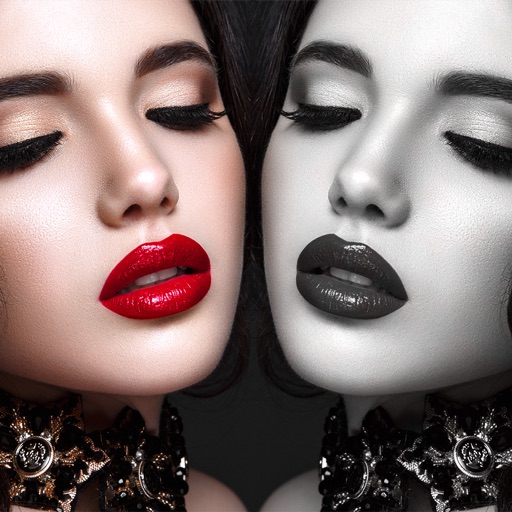
Create mirror reflection photo effects.
The app enables users to generate mirror reflection effects for photos. It offers various reflection styles and allows users to combine photos and apply effects.

Ramesh Babu
Edit photos with many tools.
The app offers photo editing tools including filters, effects, and adjustments for brightness, contrast, and saturation. Users can add text, stickers, and frames to their images before saving or sharing.



雪娟 柳
Edit photos, add text, and apply filters
Edit photos with brightness, contrast, and saturation adjustments. Crop or rotate images precisely. Apply filters and effects for mood enhancement. Add text layers and stickers for design. Create logos using shapes, colors, and typography.


Apps are ranked by functional similarity, category fit, rating confidence, and popularity.