Apps Like Photo Collage Layout Maker for iPhone and iPad
Create collages with photos and stickers
Create collages by combining up to 20 photos with backgrounds, stickers, and drawing tools. Apply filters, borders, and fonts to enhance images. Share collages on Facebook, Instagram, and other platforms.
The app allows users to create photo images and collages from existing or new photographs. It offers various layouts, backgrounds, filters, decorations, text, and stickers for image customization.
The app provides a creative canvas for layered designs, custom stickers, and social content. It features AI background removal, layer stacking, and blending for artistic effects.
Create videos using photos from the camera roll. Set project titles and import images. Arrange photo order, select templates, add music, apply filters and effects. Choose format and export the final project.
Create pictures from uploaded photos. Choose from multiple professionally designed borders. Apply borders with a few clicks. Save and share the final image.
Edit photos with filters, effects, and frames. Adjust brightness, contrast, and balance. Crop, rotate, and straighten images. Add text, stickers, and drawings. Paint on photos or blank paper. Apply splash and tilt shift effects.
Select from your gallery to create boomerang-style . Adjust playback speed and direction. Set repetition count. Add text, stickers, and images. Convert to boomerang, GIF, or Live Photo formats.
Edit videos and photos with background addition for portrait or landscape formats. Apply blur effects without cropping. Share edited content via a new sharing screen. Access media across devices from a centralized library.
Create and edit videos using pre-designed with text, animations, filters, and music. Add effects and customize layouts. Export final videos in various formats.
The app offers over 290 filters in 17 themes, including analog film effects and disposable camera looks. It provides basic and professional editing tools, design features, and a pro camera with real-time filters and blur effects.
Create artistic videos with mirror styles and filters. Add picture-in-picture collages using templates. Edit photos and videos with advanced tools. Access weekly updates with a subscription.
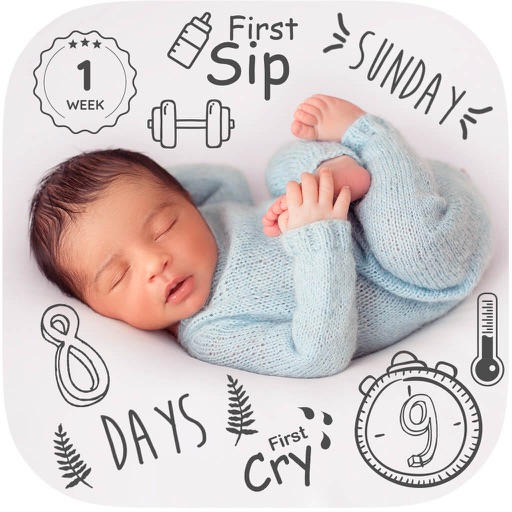
Edit and enhance and pregnancy photos with filters, cropping, and text overlays. Add custom artwork and themed layouts for milestones. Create and organize visual stories with date stamps and captions.
Create collages by arranging photos, text, and stickers. Edit images with cropping, filters, and adjustments. Design carousels to share stories. Add frames, borders, and backgrounds. Export and share finished projects directly.
Edit photos with crop, rotate, exposure, color, sharpness, and resize tools. Create grid collages and edit individual images. Access presets, clone tool, and fine curve adjustments for detailed edits. Export and share edited photos directly.
Edit images with filters, effects, and background erasing. Add , stickers, and shapes to . Use layers for advanced editing. Access a large font library and sticker collection. Create flyers, posters, and social media content.