Apps Like Bitface - 8-bit Avatar Creator for iPhone and iPad
Create and share 8-bit avatars easily.
The app allows users to create 8-bit avatars with a simple interface. Users can share avatar images through various platforms and assign them to contacts.
by Yann Bodson★ 3.213 ratingsSocial NetworkingFreeData updated 2026-10-18
Create personalized AI-generated videos and avatars by uploading a photo and selecting an and background. Edit messages with AI-generated animations. Share finished videos directly.
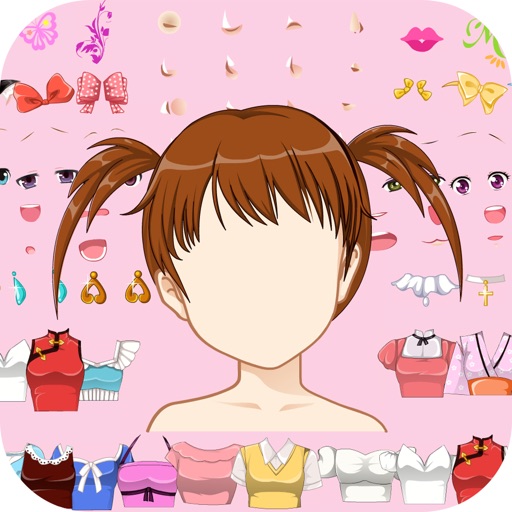
Create characters by combining face parts. Design avatars with customizable features. Share creations with friends and family. Edit and export comic-style images.
Create and edit music with multitrack recording. Record vocals, instruments, and loops. Collaborate with artists globally. Export audio in Apple Lossless format. Share or download multi-frame music videos.
Create unique stickers by deconstructing and mixing elements. Edit emojis with style switches and custom text. Merge emojis to form new expressions. Design personalized avatars and wallpapers with customizable options.
Create AI avatars from selfies using advanced AI technology. Select from cartoon, anime, or 3D styles. Apply artistic filters and portrait effects. Export and share generated avatars.
Create custom stickers with text, images, and background erasing tools. Crop and save stickers for later use. Share stickers via Google Drive, QR code, or social platforms. Sort and import multiple JSON files for organized sticker management.
Create AI avatars for storytelling or marketing with customizable features. Choose from multiple AI voices for narration. Edit videos with advanced trimming and effects. Add text overlays and background music. Export and share final videos directly.
The app allows users to create original memes using templates and add their own text. Users can select from various meme formats and share their creations on the web.
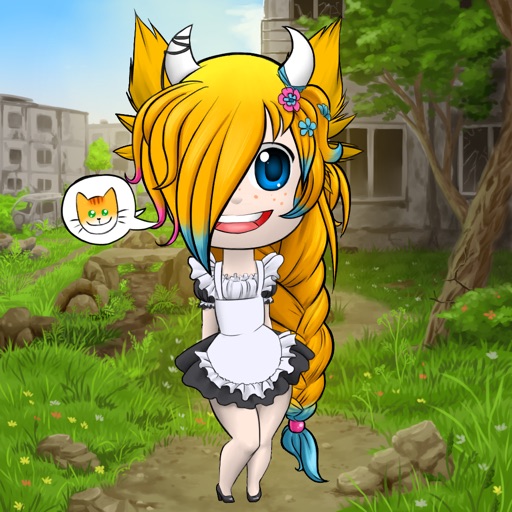
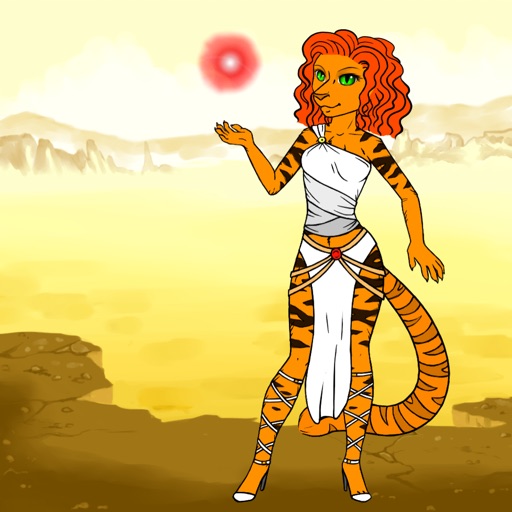
Create characters by setting gender, profession, and appearance. Add accessories, name the character, and save to a gallery. Share via social networks or use as an . Email characters for further editing on a computer.
Choose a photo from your camera roll or take a new one, then apply effects automatically. Select from various styles, adjust positioning, zoom, and customize edits. Save and share the final .
Create art, share animations, connect with artists
Create and share art animations with an integrated online gallery and . Browse and interact with over 700,000 designs. Categorize and tag artwork with hashtags. Moderate and recommend animations using AI.
Read and create chat stories with customizable characters, backgrounds, and chat bubbles. Add images and stickers to enhance scenes. Share or save stories directly. Explore pre-written stories for entertainment.
Create and customize Roblox-inspired clothing and avatar skins using AI image generation. Export high-quality PNG files for use in templates. Access built-in templates for shirts, pants, and T-shirts with positioning guides.
Edit videos with , fast , and stop effects. Adjust speed for specific frames or portions. Add music and share to social media platforms. Record live with speed control. Output in high resolution.
View and browse high-resolution art . Pull down to load more images. Save to photo gallery. Share via Facebook, Twitter, and Google+. Requires internet connection for image loading.
Find wallpapers, avatars, memes, and videos focused on anime. Browse curated images and videos for desktop or mobile. Download and set wallpapers. Share memes and avatars. Access exclusive content through subscription.
Create videos with customizable avatars and messages
Create videos from text by selecting avatars, customizing appearance, voice, and mood. Choose from expressive, playful, or professional styles. Type messages, set a vibe, and generate videos without filming or editing.