Apps Like BerryCam for Raspberry Pi for iPhone and iPad
Control Raspberry Pi camera from iOS
The app allows users to control a Raspberry Pi camera module using an iOS device. Users can adjust exposure modes and apply special effects to still images, previewing and saving them to both the iOS device and the Raspberry Pi.
by James Moore★ 2.01 ratingsUtilitiesFreeData updated 2026-10-18
Capture photos and videos with retro film filters and analog textures. Adjust exposure, contrast, and grain. Apply vintage color effects and scan-to-video conversion. Share edited media directly to social platforms.
Capture high-quality raw images with manual control over exposure settings. Adjust color, contrast, and clarity in post-processing. Export images in various formats and share directly.
Edit photos with -themed and creative effects. Choose from gallery or camera sources. Apply enhancements for realistic visuals. Share edited photos directly.
Edit photos with color filters, light effects, and frame borders. Apply effects like Instafit and Orton. Add film grain and adjust contrast, brightness, and saturation. Include text with 30+ fonts. Share edited images to social networks.
Control a DJI PHANTOM 1’s camera remotely. Capture photos and videos. Manage photo albums. Adjust camera settings. View live feed and track flight status.
APPAS SOLUTIONS, SOCIETATEA CU RASPUNDERE LIMITATA
Capture low-light scenes with infrared and thermal
Take photos in low light using three modes. Capture infrared, X-ray, and thermal effects. Zoom in with binoculars and apply temperature effects. Adjust settings for optimal visibility in environments.
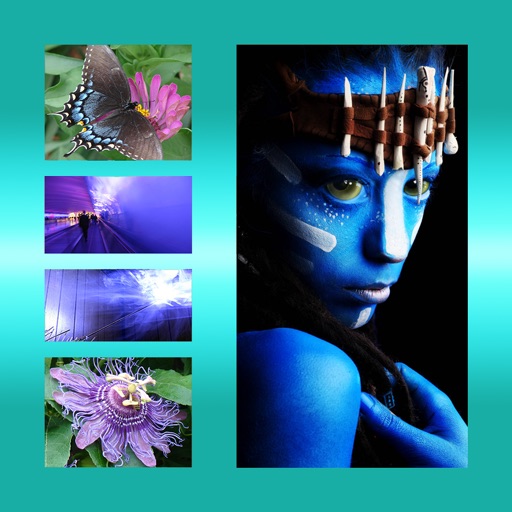
The app allows users to combine multiple photos into one framed picture. Users can adjust contrast, brightness, and saturation, add text, and apply effects.
Capture effects and styles to enhance photos. Apply adjustable sensitivity for color and intensity control. Access additional modes like Cyberpunk and Matrix for creative effects. Export edited images in various formats.
The app streams photos from a computer to an iOS device over a wireless network. Users can view all photos without syncing or downloading, saving device space.
Teaches drawing through interactive lessons and animated strokes. Breaks down drawings into simple shapes. Allows users to practice on a digital canvas. Offers guidance for both beginners and experienced artists.
Trim clips by selecting specific regions. Apply filters and add background music. Save edited videos to the camera roll. Share videos to YouTube, Viddy, Instagram, email, and WhatsApp.
Manage and control smart door locks, cameras, sensors, and other IoT devices from one . View live feeds, receive alerts, and arm/disarm security settings. Integrate with Amazon Echo or Google Nest for voice command control.