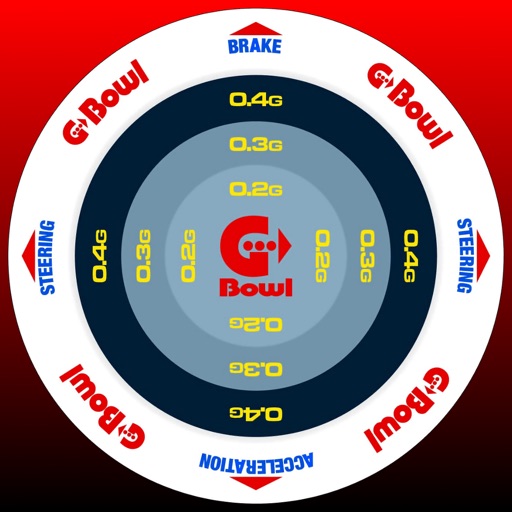
The app records G-forces, GPS location, speed, yaw rate, and jerk for driving analysis. It provides audio cues based on G-force intensity and includes features for recording, editing, and sharing driving logs.
by Takahiro Ike★ 5.01 ratingsNavigation$1.99Data updated 2026-10-18
Monitor trip data with live metrics like average speed, current speed, top speed, distance, direction, travel time, stationary time, and clock. Customize display style and speed units. Arrange metrics on screen.
The app supplements the default iOS Maps app. It displays businesses, stations, streets, locations, and monuments on Apple Maps and provides walking or driving directions.
Create and customize tracks, stations, and train sets. Add figures and complete missions to unlock new building elements. Explore an open for creative play and problem-solving.
Track magnetic fields and detect ferromagnetic metals
Detects magnetic fields and ferromagnetic metals using the iPhone's compass. Issues a warning beep when magnetic fields are present. Identifies devices emitting radio-frequency EMF such as plugs, cell phones, and routers.
Tracks current speed and speed limits using -based road sign detection and OpenStreetMap data. Displays speed warnings in real time. Alerts users to zone 30, inner-city, and implicit speed limits. Shows speed and at a glance.
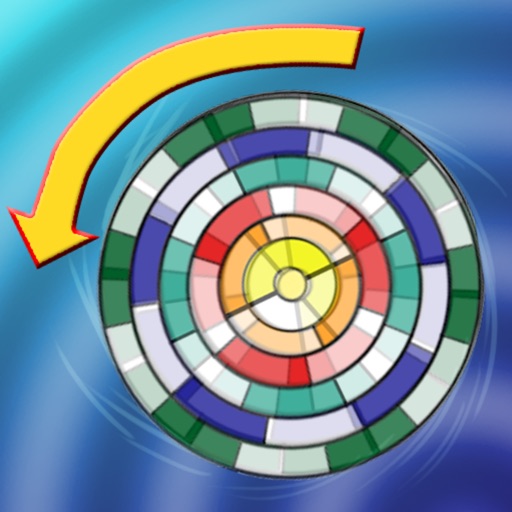
Explore the by rotating four objects clockwise or counterclockwise. Adjust speed to observe when objects appear stationary or reverse. Select a wheel with colored segments to analyze visual patterns during rotation.
Track vehicles and assets in real time with route history and speed monitoring. View driver activity, including driving time, distance, and rest periods. Predict tachograph data to manage compliance and schedule efficiently.
Navigate with sarcastic guidance and turn-by-turn directions
Provide turn-by-turn navigation using Mapbox. Long press to add points of interest. Receive voice guidance and real-time traffic updates. Get humorous feedback for missed turns. Adjust route preferences and sync with iOS devices.
View real-time road conditions, traffic cameras, and construction alerts across . Check weather station data and roadside messages. See speed and weather overlays for driving conditions. Access Google Traffic data within the .
Monitor driving habits with real-time feedback and earn rewards for safe driving milestones. CrashAssist detects accidents and provides 24/7 assistance. Track progress and set safety goals. Syncs with vehicle systems for accurate data.
Track speed, distance, altitude, and heading using GPS. View latitude and longitude coordinates. Monitor sunrise and sunset times. Record acceleration data. Save journey logs for later review. Share trip details via email or social media.
Receive critical call details instantly via Apple Push notifications. Automatically map alarm locations and share real-time updates with responders. Access related photos and documents directly. Convert unclear dispatch data into readable sections.