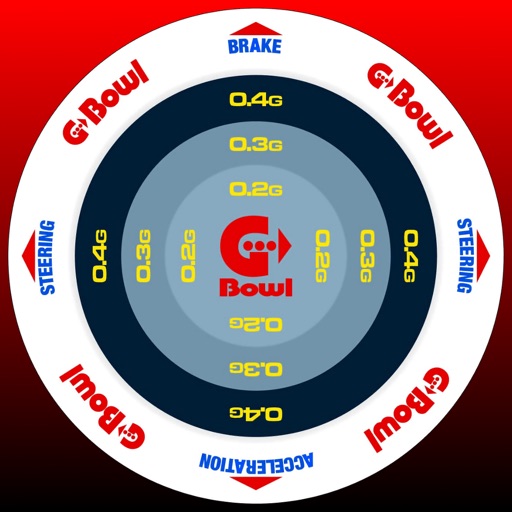
The app records G-forces, GPS location, speed, yaw rate, and jerk for driving analysis. It provides audio cues based on G-force intensity and includes features for recording, editing, and sharing driving logs.
by Takahiro Ike★ 5.01 ratingsNavigation$1.99Data updated 2026-10-18
Track trips automatically based on driving activity. View personalized DriveScore to monitor performance. Detect harsh braking, speed violations, and other unsafe events. Review trip details including duration, distance, and speed.
The app displays a clinometer, also known as a tilt meter, using the device's accelerometers. It shows Roll and Pitch gauges, with options for compass display, magnetic or GPS heading, and adjustable alert sounds.
Find current fuel prices in West Coast regions. Locate fuel stations with maps and driving directions. Track carbon reduction with CleanDrive reports. Check vehicle compatibility and fuel specifications. Access support in English and Spanish.
Practice G1 tests based on official MTO manuals. Answer questions with explanations and correct answers. Organize tests into sections. Save favorite questions. Review fines and legal limits.
Trips with modes for walking, , and biking. View speed, distance, and elevation via GPS. Use HUD mode to display speed on the windshield. Monitor odometer and altimeter readings. Export trip data and set distance alerts.
Track speed and distance in real time with live activity updates on lock screen and Dynamic Island. Record activities in background and export tracks as GPX files. Support multiple units and dark mode. Pause and auto-resume tracking.
Track supervised hours, log conditions, and record skills practiced. Set reminders for required hours. Export logs and share with parents or instructors.
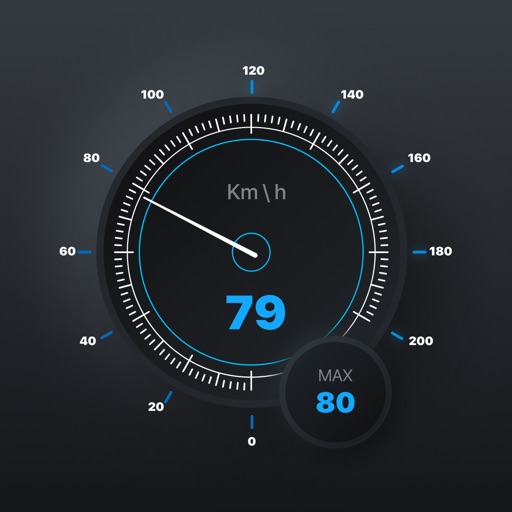
Track speed in real-time with GPS for cars and bikes. View speed in mph and kmh using a HUD display. Set speed alerts and log trips. Monitor routes and receive accurate speed readings. Sync data for trip analysis.