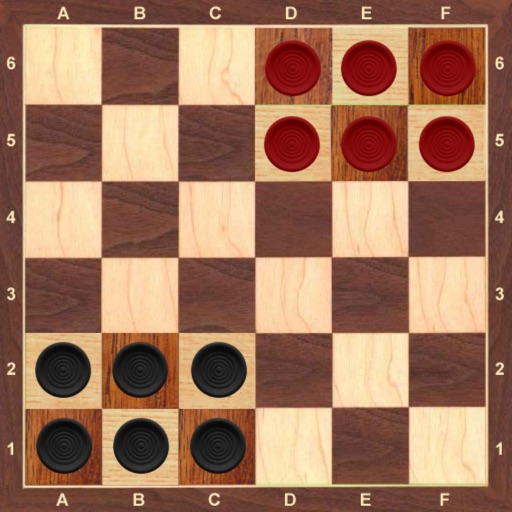
The app offers a classic game with a luxury design and superb artificial intelligence. It features an exclusive user interface, sound effects, and five board sizes with five difficulty levels.
by UAB Target Works★ 4.54 ratingsGamesFreeData updated 2026-10-18
Play puzzle games by placing on a grid to form shapes and solve challenges. Choose from themed levels with varying difficulty. Unlock all original levels and access 480 new themed puzzles. Track progress and revisit completed puzzles.
Play shooter to pop bubbles and clear levels. Tap to shoot bubbles and match colors. Complete levels by removing all bubbles. Adjust difficulty settings and track progress.
Play against real players in online multiplayer or local 2-player mode. Single-player mode allows solo play. Tap to place symbols on a grid to form three in a row. Choose from colorful themes. Track Game Center achievements. Suitable for all ages.
Play mahjong by matching identical tiles to remove them. Only unblocked and visible tiles can be paired. Clear the board to complete each level and advance. Features large, eye-friendly tiles and a simple, intuitive interface.
The app allows play against artificial intelligence or real players online. Users can compete in random multiplayer or private rooms with friends, with chat and emojis available.
The app offers a full version of the classic FreeCell solitaire card game. It includes four difficulty modes, 18 unlockable backgrounds, and retina graphics.
The app offers a board game where players move pieces to the opposing corner. Players can compete against friends or a computer opponent with six difficulty levels.
Play Checkers on an 8x8 board following International Checkers rules. Challenge computer opponents with 7 difficulty levels or play against friends locally or online. Undo moves and adjust difficulty based on skill.
Play checkers with single-player, local multiplayer, or online modes. Challenge computer opponents with 7 difficulty levels or auto-adjusted difficulty. Undo moves, configure mandatory captures, and retry turns.
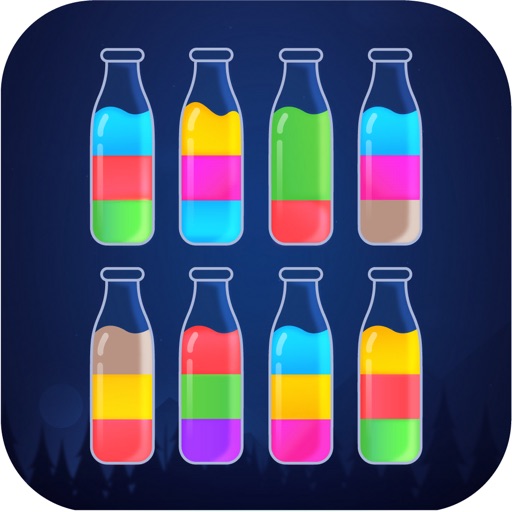
Colored between glass bottles to match groupings. Tap bottles to pour , move liquids between containers, and complete levels by separating colors. Track progress through increasing difficulty puzzles.
The app offers live Backgammon games against opponents worldwide via Game Center. Users can play against friends, random opponents, or the computer with adjustable difficulty levels.
Play with real-time online matches, turn-based games, and 2-player mode. Chat with friends, auto-match with random players, or play offline against the computer. Customize game settings and access skill levels from beginner to advanced.
Solve color-based code puzzles by guessing sequences within limited attempts. Adjust difficulty levels. Use letters for colorblind players. Features include sound effects and configurable settings.
The app offers Korean Chess (JangKi) for iPhone and iPad. Users can play against artificial intelligence with five difficulty levels and check their rankings.
Play games with customizable board layouts and AI-generated puzzles. Use hints to find valid words. Randomize the board for varied challenges. Access additional layouts and remove ads in the pro version.
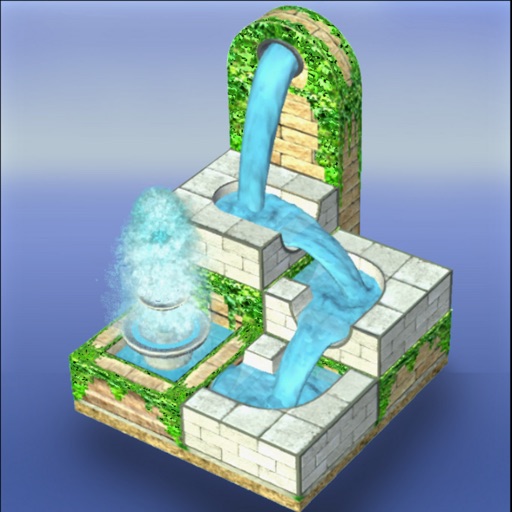
Solve puzzles by guiding from its source to colored fountains. Manipulate stones, channels, and pipes in a 3D environment. Complete 1150 levels with increasing difficulty. Track progress through each challenge.
The app offers a version of the classic Dots & Boxes board game for two players. Players draw lines to complete squares, earning points and additional turns for each completed square.
Play with single or multiplayer modes. Adjust player names and settings. Use high-quality graphics and sound effects. Compete against AI opponents or friends. Track game history and analyze moves. Save and resume games.