

Apps Like DoodleYak for iPhone and iPad
DoodleYak screenshots
Ranked alternatives
Showing 41–60 of 1,000 ranked alternatives.

SketchClub: Draw & Paint
Jim Scott
, draw, and share art
Create and edit drawings with brush, blur, eraser, fill, pen, pixels, procedural, select, smudge, text, and vector tools. Work with hundreds of layers. Participate in daily drawing challenges, competitions, and collaborative co-ops.

Doodle Magic: Glow Art Drawing
Hai Nguyen Minh
Create glowing artwork with vibrant colors
Create artwork using vibrant neon colors and glowing brushes. Draw on a large canvas with sketch tools. Adjust effects and export designs in various formats.

AR Drawing: Sketch & Paint
Digital Solutions Technologies Limited
Trace and color images with your phone
Use your phone camera to draw on any surface. Access templates for animals, cars, and nature. Utilize the built-in flashlight for better visibility. Share completed drawings with friends. Create art using augmented reality technology.

Mock-up Art Draw Paint Sketch
Loyal Foundry, Inc.
And with custom brushes
Create and edit digital art with customizable brushes and color palettes. , , and apply filters. Import and modify photos. Save and share artwork. Sync with Apple Health for progress tracking.

Sprite Pencil
256 Arts Inc.
Draw, edit, and share pixel art
Create pixel art sprites with drawing tools and a powerful engine. Open and edit pixel art files from Files. Use iCloud Drive for cloud storage. Support Apple for precise input. Import and customize color palettes.

You Doodle Pro - art on the go
Digital Ruby, LLC
Draw, edit, and create art.
The app provides drawing tools, text, shapes, stamps, and stickers. Users can record screen for speed paints, create collages, and use hundreds of frames.
Drawing Pad procreate Sketch
Rohan Singh Rajput
Anywhere, draw anytime, share ideas
, paint, and doodle on a digital whiteboard. Share artwork with friends. Use stickers, brushes, and shapes to enhance creations. Add text and export drawings in multiple formats.
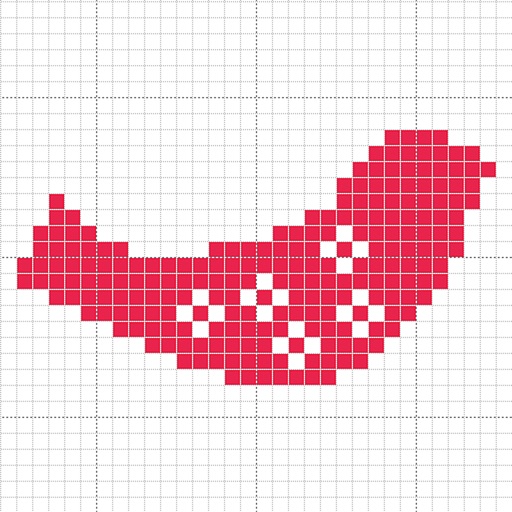
StitchSketch
Mozusystems, LLC
Design charts for cross stitch projects
Create custom charts for crafts like cross stitch, bead weaving, knitting, and pixel art. Draw dotted images and design patterns with an intuitive touch interface. Export charts for use in projects.
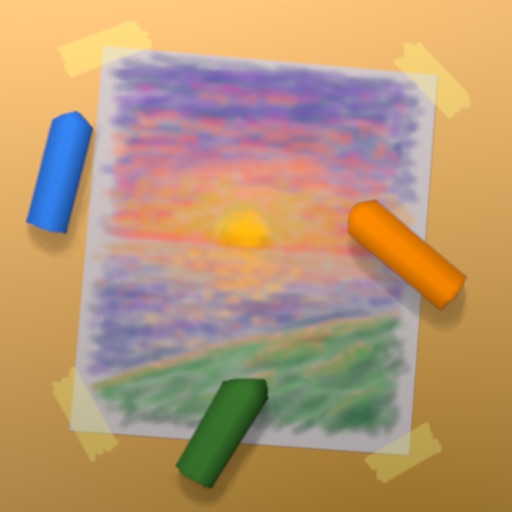
iPastels
Norbyte
Sketch, paint, and refine digitally
Create artwork with realistic pastel simulation using live-calculated brushes and strokes. Sketch or paint digitally, test compositions, and refine techniques without physical supplies. Save and share paintings directly.


MotionBook - Draw & Animate
亮 彭
Create flipbook animations frame by frame
Create flipbook animations with frame-by-frame drawing. Use pressure-sensitive pen and eraser tools for artistic effects. Edit with undo/redo features. Add predefined animations and effects. Export and share finished projects.

Mandalas Drawing Studio
Marco Antonio Pompei
Draw with simple strokes
Create mandala paintings using vector-based tools. Zoom smoothly for precise details. Choose from various colors and brush styles. Save and share drawings directly. Adjust layer settings for customization.

MediBang Paint – Drawing & Art
MediBang inc.
Draw with brushes and tools anywhere
Create art with customizable brushes and access to 700 additional premium brushes. Design comic panels using 1000 screentones and 60 fonts. Apply filters and use fun background brushes. Save and share artwork directly.

PainterAR: AR Trace Drawing
Painter AR Ltd.
Sketch, , and refine digital art
AR : Project sketches onto real-world surfaces for accurate proportions. Use stand mode for stable, low-latency . Convert paper sketches into digital art with precise tracing and editing tools. Save and export artwork in multiple formats.

Corel Painter Essentials
Corel Corporation.
Sketch, draw, and paint digitally
Create digital art with natural-media brushes and exclusive media types. Sketch, draw, and paint on a blank canvas. Transform photos into artwork using AI and cloning tools. Access advanced features with a subscription.
Lux Draw
Norbyte
Draw with light-inspired tools.
The app uses live-calculated brushes and strokes with HDR values for a unique art style. It offers gritty paper/canvas textures that interact with drawing tools for a satisfying look.

How we rank alternatives
Apps are ranked by functional similarity, category fit, rating confidence, and popularity.