Create and edit music using an analog synth with patching capabilities. Use a 16-step sequencer to arrange patterns. Tap to create drum parts with a six-part drum machine. Share compositions online via SoundCloud.
Create and play original sounds using a mono-synth with analogue sound quality and intuitive controls. Design basses, leads, arpeggios, and sound effects. Export and share presets. Sync with desktop, iPhone, or iPad.
Play with adjustable key widths and custom labels. Use haptic feedback on key presses. Access saved settings on each launch. Jump between octaves and disable scroll. Supports assistive screen readers and iPad with 2 rows of keys.
Create and customize sounds with 17 different types. Configure three manuals independently. Use scanner vibrato and chorus effects. Simulate rotary cabinets and tube amplifiers. Access AUv3 plugin for integration.
Learn and relative through interactive exercises. Identify double-stop notes using just intonation. Practice chord recognition and matching. Track progress with in- feedback and repetition. Sync with music libraries for real-time comparison.
Analog for DAWs like Cubasis, Auria, Meteor, and GarageBand. Apply modulation effects for chorus and flanging. Adjust delay time, feedback, and mix parameters. Create sweeping comb filter effects with adjustable frequency response.
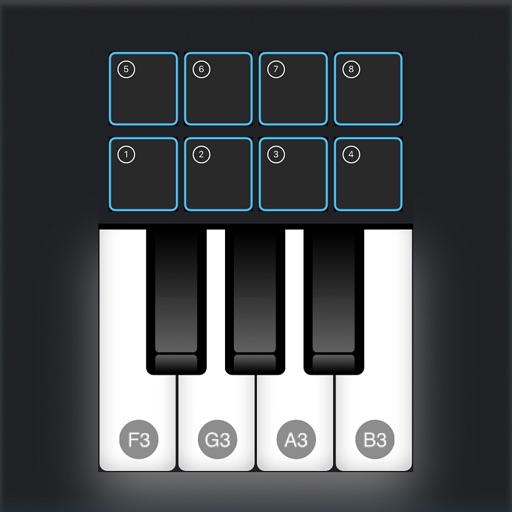
Create and record musical patterns by tapping and swiping multi-touch pads. Record continuously without setting a tempo. Drag and adjust pads for customization. Play and refine patterns without stopping. Sync with audio units and standalone devices.
Import audio files and extract samples using automatic transient detection or manual markers. Play slices with MIDI controllers or built-in pads. Adjust parameters like reverse, level, attack, and release. Sync with AU hosts for automation.
Convert text inputs into unique waveshapes for bass sounds. Generate monophonic sub- tones from user-generated phrases. Customize audio output with codes.