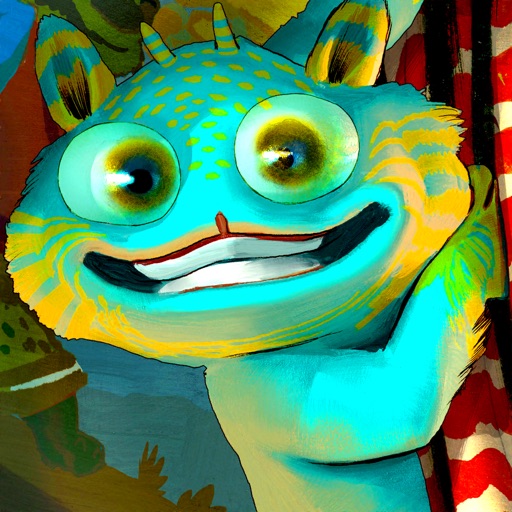
View 3D animated creatures by pointing the camera at book pages. Use printed markers from CreativeCreatureCatcher.com for offline access. Interact with characters that appear when the camera detects specific images.
Save links by copying and tapping the + button to automatically extract thumbnails and titles. Organize bookmarks into custom folders. Read saved web pages offline with built-in reading mode. Share bookmarks via email or social media.
The app displays files in various formats including txt, pdf, and office documents. It offers full text search, online translation, and automatic saving of the last reading point.
Track book collections with custom notes and issue numbers. Add wanted comics and organize by title. Share lists via email and Twitter. Edit text fields for personal annotations.
FTP client allows users to add, modify, and delete FTP servers. Download and upload multiple files or folders. View files online, create folders, and track progress. Access download and upload history. Sort files by name, date, or size.
Read text files including txt, epub, pdf, and html on your . Turn pages by tapping or using the knob. Set font and color preferences. Record reading position and preview content before sending from your iPhone.
Transfer files between iOS devices via without file type limits. Share local documents, photos, and folders. Resume transfers, manage multiple files, and view transfer history. Sync file operations across devices.
PDFs and EPUBs in a clean, distraction-free interface. Store books locally for offline access. Customize background and text colors for comfortable reading. Highlight text and ask questions based on book content.
Convert from PDFs, documents, webpages, or photos into . Import content via camera, file upload, or entry. Choose from high-quality voices and adjust playback speed. Listen offline with no word limits. Subscribe for access to all voices and ePubs.