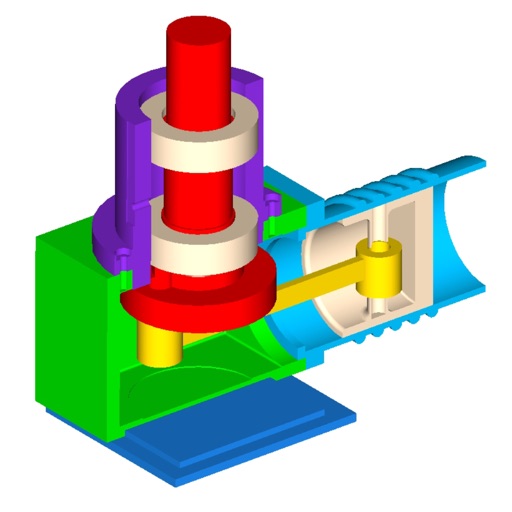
Create and edit 3D models using 25 built-in primitive shapes. Import and export models in various formats. Adjust geometry with precision tools. View models in 3D and 2D perspectives. Add textures and materials for realistic rendering.
Sculpting tools allow shaping creations with brushes like clay, flatten, smooth, and mask. Trim boolean cutting with lasso and rectangle shapes. Stroke customization includes falloff, alphas, and pencil pressure. Save and load tool presets.
Calculate geometric properties for 26 shapes, planes, and solids. Input dimensions to find area, perimeter, volume, and surface area. Access formulas for triangles, polygons, circles, and 3D solids.
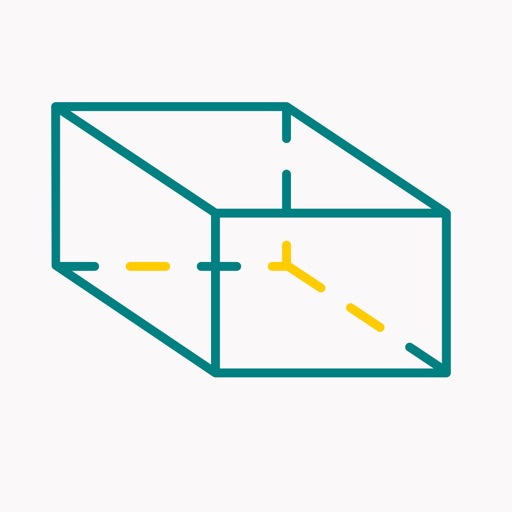
Calculate dimensions and properties of 2D and 3D shapes. Input measurements to determine area, volume, surface area, and perimeter. View interactive 3D models of solids like cube, sphere, and cylinder. Switch between 2D and 3D views for each shape.
Create digital art with drawing and painting tools. Use a wide range of brushes and customize settings for precise control. Add motion with animation tools and motion paths. Utilize symmetry guides for balanced designs.
Create studio-quality product photos using AI-generated scenes and virtual models. Remove or replace backgrounds with one tap. Add custom logos and text to images. Export in high-resolution formats.
Create vector art using Bézier tools and Apple Pencil. Convert sketches or photos to SVG format. logos, icons, illustrations, and UI assets. Export vector files for production use. Refine curves and edit vector drawings directly.
Provides detailed instructions on tying various . Users can select for binding lines, attaching hooks, and securing lures. Information includes knot strength, suitability for different line types, and compatibility with multifilament lines.
On with precise tools. Add text, shapes, and stickers. Insert layers and blend images. Create collages with frames and stamps. Design custom stickers and share directly via iMessage or the .
Learn for fishing, climbing, boating, and scouting
Learn and practice over 220 used in fishing, climbing, boating, and scouting. Browse by category or search by name, synonym, or ABoK number. Save favorite for quick access and review.
Create social media posts, flyers, collages, logos, and wallpapers with drag-and-drop tools. Use pre-designed templates for Instagram, Facebook, and phone wallpapers. Add text, images, and graphics.
Create logos, icons, and illustrations using tools. Combine pre-designed elements to build complex graphics. Cut, merge, and intersect shapes. Manipulate layers for detailed design control. Export in multiple formats.
Create and edit digital art with layers, brushes, and customizable tools. Import and export files in various formats. Access cloud storage for file syncing. Subscribe for additional features and materials. Save and export work after trial period.