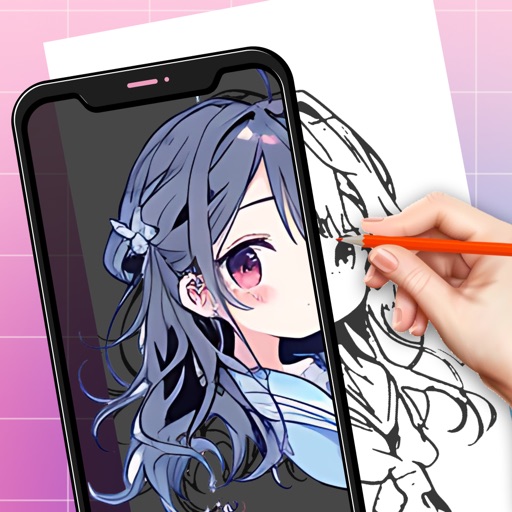
Create digital art using augmented reality features. images from uploaded files or projected visuals for precise sketching. Draw directly on paper with built-in tracing tools. Export artwork in multiple formats and share drawings.
Edit images with tools like Rect Select, Lasso, and Clone. Crop, adjust colors, add text, and apply effects. Use brushes, gradients, and erasers for detailed edits. Save and share edited files in various formats.
Sketch and create drawings using brush tools with customizable color palettes. Add stickers, doodles, and charms to enhance artwork. Export and share finished creations in multiple formats.
Convert rectangular photos to (1:1) or portrait (4:5) formats. Select media, choose layout options, and share directly. Add white frames and adjust background colors for clean, framed visuals.
Create AI-generated images by describing artwork, such as "astronaut riding a horse on the moon." Explore community-created images. Share artwork on social media with tags like #AIPainting. View details about selected artworks.
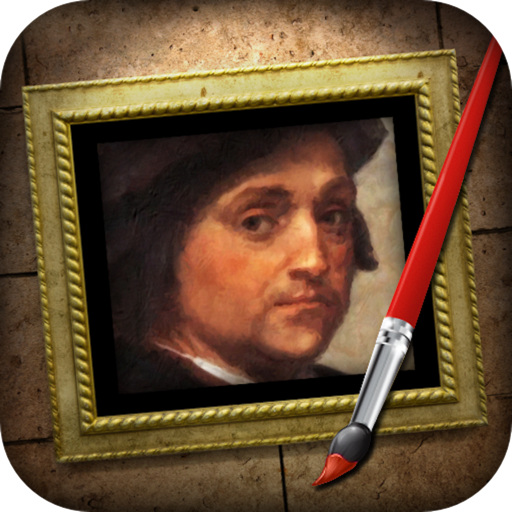
The app transforms photographs into artwork using an automatic painting tool. Users select a paint style and apply it to their photo, with options for brush size, stroke variation, and color tone.
ANCIENDA TEKNOLOJI YAZILIM VE PAZARLAMA ANONIM SIRKETI
Spaces with AI-powered tools
Redesign interiors and exteriors by uploading photos and selecting styles. Choose color schemes, furniture, and decor. View 3D renderings and adjust layouts. Save and share concepts. Access templates and materials for realistic visualizations.