Measure real-world objects using AR technology and a phone's camera. Calculate length, height, area, volume, and angles. Estimate distances and track measurements with a digital . Share results and save measurements for future reference.
Convert physical objects into measurements using a function. Adjust two red lines to measure distances in centimeters or inches. Display measurements instantly on the screen.
Measure horizontal and vertical surfaces with a . Use a laser for precise alignment. Check surface flatness with a spirit . Access inclinometer for angle measurements. Set and track levels for accurate tasks.
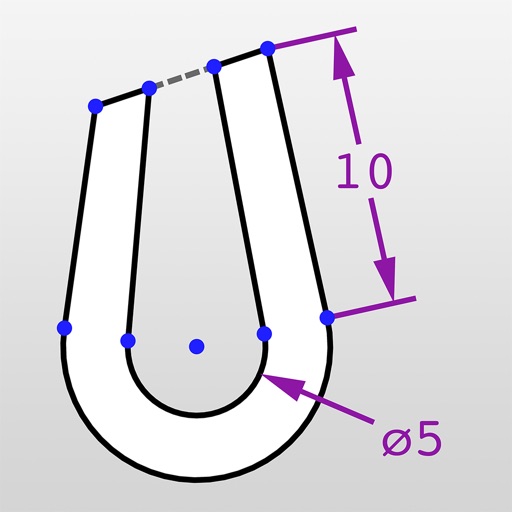
The app calculates properties for triangles, trapezoids, and circles. It accepts various input formats for angles and lengths, displaying results in the chosen format.
Use device sensors to check horizontal and vertical alignment of objects. Point camera at object to detect crookedness and measure degrees. Switch to protractor mode to measure angles for precise cuts.
Turn your iPhone into a , angle gauge, and measuring . Check if surfaces are or plumb. Get real-time tilt readings in degrees. Calibrate to align with objects. distances using the device's sensors.
Measure objects by aligning them with the screen. Calculate furniture sizes for space planning. Use AR to scan rooms and get perimeter and square footage.
Measure distances, heights, and areas using AR and LiDAR technology. Tap to place markers and view real-time measurements. Sync with Apple Health to track progress. Share measurements via email or messaging.
Includes a bubble for aligning picture frames, mirrors, and shelves. Features a multi- with measuring functions, angle detection, and a flashlight. Offers a calculator, unit converter, and protractor for precise measurements and calculations.
Measure lengths with a ruler supporting metric and imperial units. Detect ambient noise levels using a decibel meter. Use a protractor tool to measure angles via the camera. Calibrate screens for accurate color display.