Draw with pencil, brush, eraser, marker, and pen. Customize brushes with texture and fill colors using a bucket tool. Add text and shapes to drawings. Change backgrounds with color, texture, or images. Use grid for guidance and mirror for faster .
Create logos for businesses or companies using customizable templates. Select from 10K+ designs. Edit with 6,000+ fonts, symbols, and backgrounds. Adjust colors, text, and layout. Export and share finished logos.
Create fonts with handwriting to personalize messages
Create custom fonts using handwriting. Use them as layouts in iMessage, Instagram, Snapchat, TikTok, Facebook, and other apps. Share personalized messages with friends.
Create vector illustrations with precise tools for technical and artistic designs. Export to Pages, Keynote, or other formats. Sync work between Mac and iPad. Edit and refine graphics on mobile.
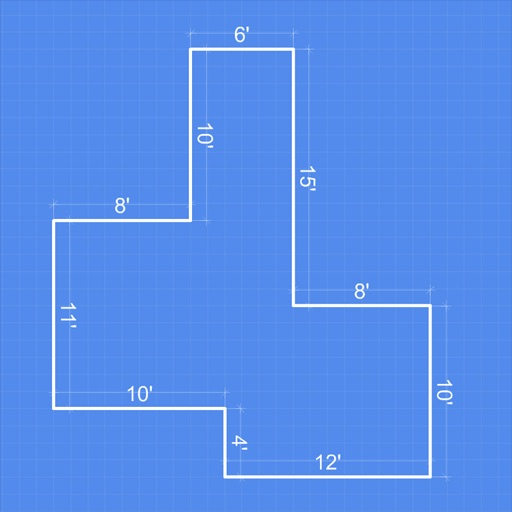
Create diagrams, technical sketches, and geometric art on digital graph paper. Draw with customizable pen colors and stroke widths. Edit objects after drawing. Use full-screen mode and hideable guides for focused design.
Create symmetric kaleidoscope patterns, mosaics, and fractals. Customize colors, shapes, and brushes. Use free-form zooming and add stickers. Adjust settings for unique designs. Save and share artwork.
Create digital artwork with realistic painting and drawing tools. Use exclusive brushes mimicking real-world art mediums. Simulate fluid watercolor effects. Adjust brush settings for precision. Export artwork in various formats.
Allows users to draw on their iPhone or iPad using 10 different pens, including ball pen, pencil, and brush. Users can create various line shapes and images. Drawings can be saved and shared directly from the device.
Create logos, icons, and illustrations using tools. Combine pre-designed elements to build complex graphics. Cut, merge, and intersect shapes. Manipulate layers for detailed design control. Export in multiple formats.
Create poster or template collages with up to 20 photos or videos. Add text to images or videos. Edit photos with filters, cropping, and adjustments. Enhance visuals with artistic text overlays. Export collages in multiple formats.
Take notes with handwriting, typing, or PDF annotations. Use customizable covers and templates. Choose from 10+ pens and brushes. Adjust pen thickness and color. Draw shapes and lines. Export notes in multiple formats.
Create and edit PDFs with tools, drawing features, and text annotations. Convert documents to PDF, add signatures, and organize pages. Access files across devices and store them in the cloud. Share and export PDFs in various formats.
Create and access organized notebooks with AI-powered note-taking. Ask questions to get instant answers. Collaborate in real-time with others. Export notes in multiple formats and integrate with cloud storage services.