The app offers video editing tools for creating professional quality videos. Users can fine-tune visual effects, adjust playback speed, stabilize footage, and add images and audio.
Record videos and take photos discreetly using fake backgrounds to hide the . Monitor motion with a sensor to automatically save footage. Set a photo timer for interval shots. Share captured media directly.
Capture low-resolution photos and videos in multiple formats including 144p, 288p, and 360p. Record with or without audio to reduce file size. Use flash and GPS location tagging (available as an upgrade). Preview image quality in real time.
Store and organize photos and videos with secure access options. Set PIN, alphanumeric, or gesture-based passwords. Create multiple user accounts for content segmentation. Enable SnoopStopper™ to prevent unauthorized access.
Edit photos by selecting frames in square or portrait format. Reposition, resize, and crop images within the . Customize appearance and apply filters. Preview final edits and save to photo library.
Create or Rabbit Hole effects from with one tap. Transform panoramas and landscape images for unique visual styles. Instantly apply effects without needing advanced editing tools.
Create social videos using professional templates for Instagram, Facebook, and other platforms. Upload photos and clips from your device. Design collages and layouts with pre-made templates. Add animations and transitions.
Edit photos with crop, rotate, exposure, color, sharpness, and resize tools. Create grid collages and edit individual images. Access presets, clone tool, and fine curve adjustments for detailed edits. Export and share edited photos directly.
Create AI-generated videos and images from text, images, or voice. Use LoRA training to develop custom styles. Generate cinematic videos from text. Edit and export final outputs. Add text, stickers, and filters to videos.
Create slideshows with photo filters, transitions, and background music. Add text overlays and select from various templates. Export to Instagram, Facebook, YouTube, or email. Share directly or save as video files.
Create and share short videos as animated GIFs or MP4. Capture frames with the or import photos, videos, or live photos. Apply real-time color filters, add text or frames, and record stop motion.
Compress videos to reduce file size without quality loss. Edit videos and photos with trimming, cropping, and filters. Batch compress multiple files at once. Save and share compressed videos directly.
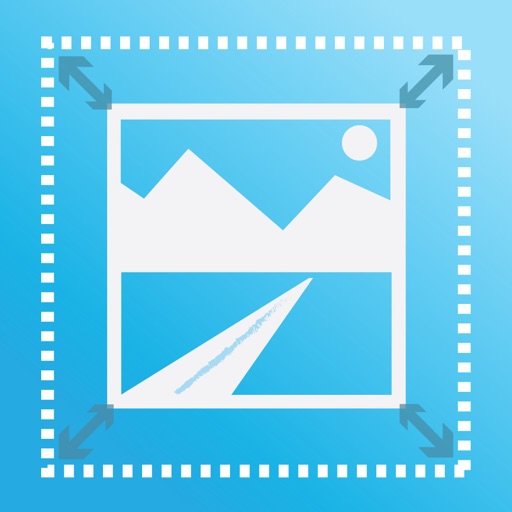
The app allows users to adjust image sizes by importing from the photo library, camera, or clipboard. It helps users correct image sizes for design projects and preview pixelation at different scales.