Analyze audio songs in the iOS music library to display symbols. View chords in graphical piano keyboard or guitar tab formats. Practice and play songs using displayed chords.
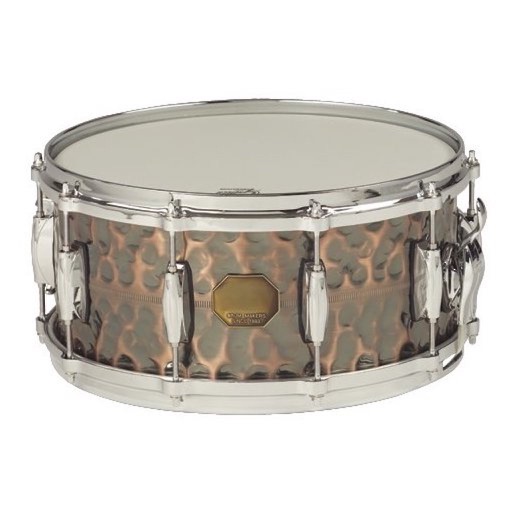
Tap the iPhone screen to play drums with a simple drum kit. Choose from 30 instrument sounds including snares, cymbals, tomtoms, and hand-claps. Adjust volume for each instrument. Customize instrument layout in 2x2 or 3x3 grid.
Learn songs by slowing down audio without quality loss, adjust pitch, and repeat song segments. Cancel original guitar tracks to practice with a virtual band. Play along with your music library and track progress.
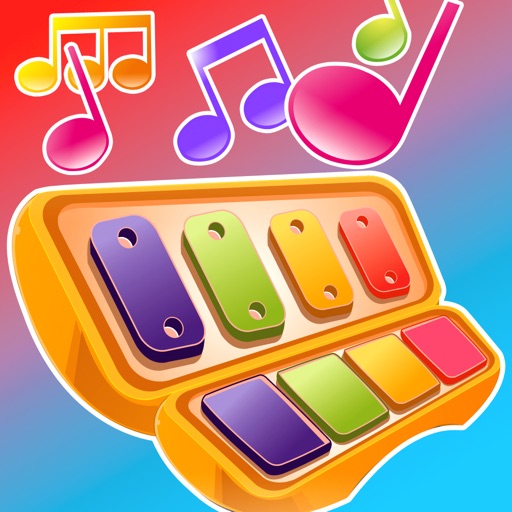
A for children allows users to play musical notes and create chords by pressing three consecutive notes. Sliding fingers across keys produces harmonious sounds. It includes note sequences for nursery rhymes and lullabies in English.
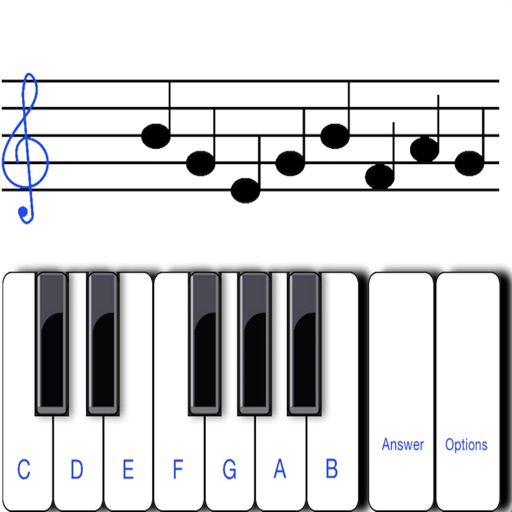
To notes in G and F clefs. Practice notes above and below the staff across six octaves. Randomly generated notes apply to any instrument. Switch clefs for varied practice. Receive feedback on missed notes. Set pace and limit octaves for beginners.
Create and edit music with an 8-track sequencer, record loops and melodies, and control instruments in real-time. Use a flexible mixer with DSP effects. Edit tracks via step sequencer and automation.
Create and share musical ideas with built-in synthesizers and a drum machine. Build drum loops using pattern pads, sketch bass lines, chord progressions, and melodies. Use 4 audio channels for drum machine, bass, chords, and lead. Input is automated.
The app offers a game-based approach for children to learn music reading through timed note flashcard challenges. It includes a practice mode for relaxed learning and supports multiple input methods, including playing an instrument.
The app provides a portable drum set with four distinct styles: Standard, Hip-Hop, Electro, and Industrial. Users can record their beats and play them back, or play along with songs from their iTunes library.