Edit photos with brightness, saturation, and contrast adjustments. Add text, stickers, and memes. Crop, rotate, and straighten images. Apply effects and frames. Sharpen or blur photos. Import images from the camera roll. Fix red tones.
Edit photos with professional filters, effects, and frames. Retouch images with powerful tools like spot healing and color correction. Adjust brightness, contrast, and saturation. Crop, rotate, and apply stickers.
Edit images with brightness, contrast, and other adjustment tools. Import photos and place them in customizable Story templates. Create gradients and use the dropper tool to match colors. Share edited content directly to Instagram .
Create animated characters and videos from photos using AI. Generate 3D avatars and fairy-tale animations. Apply viral effects and customize character styles. Export and share animated content directly.
By applying AI-based colorization, repair, enhancement, and upscaling. Adjust brightness, contrast, and clarity. Remove scratches and red eye. Save and share edited images directly.
Backgrounds from photos with precision, save images with transparent backgrounds, or replace them with custom ones. Edit photos by adding filters, drawing, inserting text, and applying stickers to create professional images and social media content.
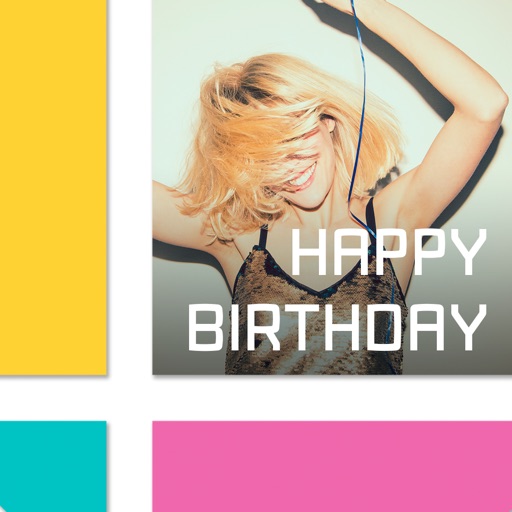
Create animated GIFs or videos from photos to celebrate birthdays. Edit and retouch images, add stickers and text, apply filters, and draw on photos. Adjust the speed of photo transitions. Share the final creation directly.
Fry the last frame of videos to upload to TikTok. Edit memes by frying images or GIFs from the photo library or Gfycat. Share finished memes to camera roll or via iMessage as stickers. Open created memes in TikTok and Snapchat.
Create personalized feeds by arranging up to 9 square photos in a grid layout. Save grids to the camera roll and post them directly to without needing an account. Edit and share feeds with one-tap uploads.
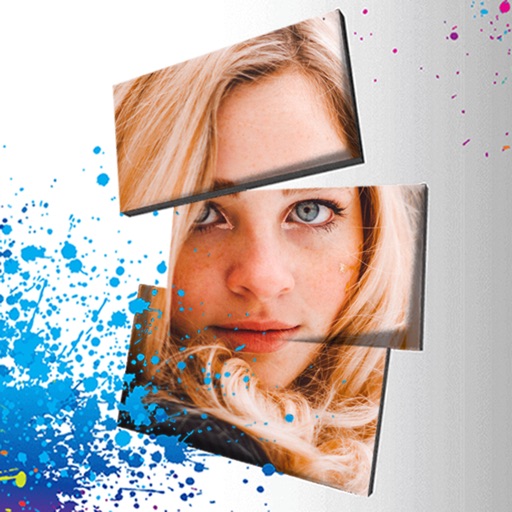
Edit photos with 3D and color effects to create立体 art. Apply special effects to enhance images. Save and share edited photos directly. Use fun and intuitive editing tools for creative customization.
Edit photos with filters, filter mix, and creative shape effects. Apply mirror and mask tools. Create photos without cropping. Design grids and add funimate effects. Share directly to Instagram.
Edit photos into customizable grids with layout options, shapes, and frames. Add text and messages. Apply filters and effects. Stitch multiple images into a single composition. Export and share edited collages.