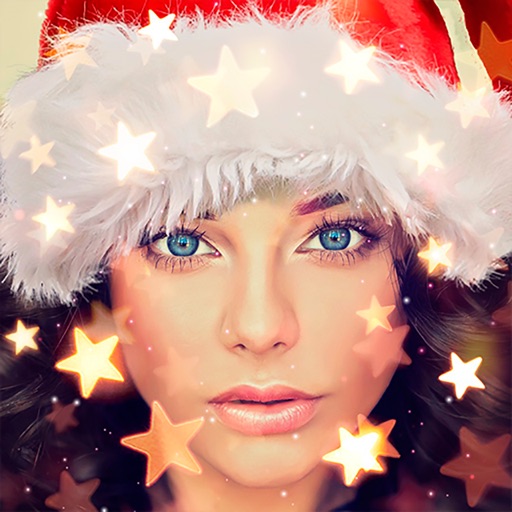
Create holiday cards by selecting from 500+ , filters, and effects. Choose photos from your gallery or camera, add custom text, and share the finished card. Include festive elements like a fluffy Red Santa for fun.
The app offers 17 tools for adjusting image quality, including noise reduction and sharpening. Users can compare before and after images by long pressing.
Apply 800+ professional with themes like retro, vintage, and cyberpunk. Customize and use DNG feature for advanced editing. Add blockbusting overlays to enhance photos and videos. Export edited content in various formats.
Edit photos with AI-powered clarity enhancement, blur reduction, and detail sharpening. Restore old images by removing scratches and colorizing faded areas. rtistic variations with different styles and filters.
Allows users to videos to GIFs or live photos and vice versa. Trim video duration, adjust playback speed, and crop dimensions. Export converted files in various formats for sharing.
Add bubbles to photos to create comic-style . Place text on images of friends. Adjust bubble styles, fonts, and colors. Add multiple bubbles to group photos. Share creations with others.
The app allows users to create photo collages from their pictures and share them on social media. Users can select from 52 layouts and customize them with various frame shapes and color palettes.
Divide panorama photos into square pieces. Share to Instagram, Twitter, Line, and WeChat. Crop images easily. Use seven grid layouts including 12, 13, 22, 23, 33, 43, and 53. Adjust FillMode with dimensions from 1x1 to 10x10.
Create artistic images using 50+ custom templates. Crop and frame photos into symbols, words, or shapes. Share finished images to Instagram, Facebook, Flickr, Tumblr, and Twitter.
The app allows users to send photos, videos, and files to selected recipients. Users can edit photos by cropping, rotating, or converting them to black and white before sending via email or other sharing options.