Create sketches and drawings using built-in brushes and canvases. Trace real-world images with AR technology. Save and share artwork directly. Adjust brush size and opacity for detailed work. Import images to base drawings on.
Edit designs, process files, and control laser machines wirelessly. Snap images for processing without a computer. Curve text with drag-and-click. Generate barcodes and manage projects across devices.
Create digital art with natural brush strokes and realistic paper textures. Use 40+ brush presets for detailed painting. Edit images with color adjustments, liquify tools, and cropping. Apply layers and blend modes for advanced compositing.
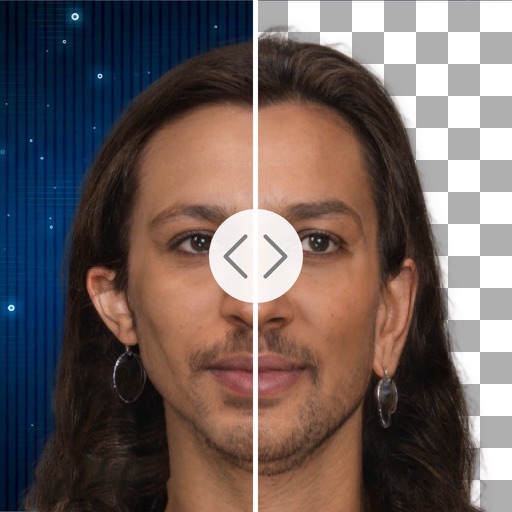
Remove backgrounds with a single tap. Replace with 800+ virtual templates. Export as transparent MP4 with alpha channel. Adjust resolution to 16:9 or 9:16. Position and scale the top layer transparent .
Create mandala paintings using vector-based tools. Zoom smoothly for precise details. Choose from various colors and brush styles. Save and share drawings directly. Adjust layer settings for customization.
Arthur Eduardo Skaetta Alvarez Desenvolvimento de Software LTDA.
Convert photos to sketches
Convert photos into various styles like , colored, painting, and comic. Adjust brush thickness for customization. Save high-resolution sketches for sharing or printing.
Create and edit drawings using augmented reality. in real-time with touch or stylus. Adjust colors, brush sizes, and opacity. Share drawings directly or export as images.
Browsing with end-to-end encryption using WireGuard protocol. Connect to private servers for anonymous internet access. Toggle kill switch to block traffic when disconnected. Manage multiple connections and protocols.
Create 3D models and architectural designs using NURBS technology. Import and export files in standard CAD formats. Modify geometry with advanced editing tools. Add textures and materials to surfaces. Generate 2D drawings from 3D models.
Design and edit projects directly on with text curve tools and barcode generation. Connect and control laser machines wirelessly. Process designs on the go without needing a computer. Edit and adjust projects for laser cutting and engraving.
VectorPaint allows users to create illustrations with paths, compound paths, text, images, groups, masks, and gradient fills. It supports unlimited layers and exports to SVG or PDF via . Users can select, scale, and manipulate objects efficiently.
Create realistic artwork with pencil, brush, pen, and marker tools. Import images as layers and edit with eraser, ruler, compass, and other tools. Add stickers and use layer management for detailed painting and design.