Create drum sounds and synthesize vocals using a 24-part sound engine. Use a pattern sequencer to arrange beats. Apply effects including a Phrase Vocoder that converts text to vocal-like sounds. Adjust vocal characteristics such as gender.
Create and manipulate drum sounds using a graphic editor. Use 76 samples and synthesis drum kits. Mix and match sounds across drum kits and tracks. Load drum kits from factory or other songs to generate new compositions.
Create and save progressions with visual feedback. Trigger chords via MIDI footswitch. Sync progressions with other apps. Learn relationships and scales. Play chords on an on-screen piano keyboard. Use pads to organize and access saved chords.
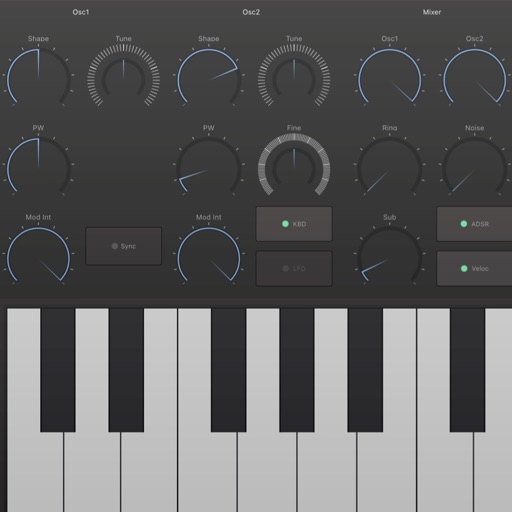
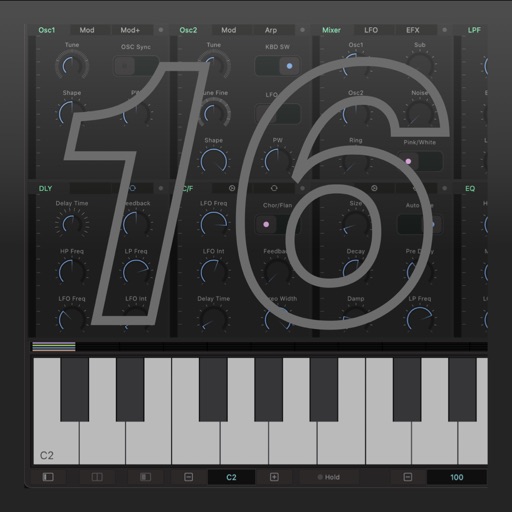
Edit and shape sound using three variable wave oscillators and two ladder filters. Adjust filter types and modulation settings. Use a multi-wave LFO and two modulation busses. Apply DSP-based effects for realistic analog synthesis.
Create music using a grid-based with clip arrangement. Manipulate clips through copy, duplicate, merge, combine, and drag-and-drop actions. Access quantize and clip length tools. Connect to plugins and external devices for sound generation.
Record and MIDI tracks for music production. Edit vocals for pitch and timing. Use virtual instruments and effects. Create drum patterns with custom samples. Mix and automate tracks with unlimited undo/redo.
Create patterns using rhythm presets or custom sequences. Adjust timing and velocity parameters. Emulate vintage 808 hardware with AU3 Audio Unit support. Control tempo and playback options. Save and load user-defined kits.
Create and edit music using an analog synth with patching capabilities. Use a 16-step sequencer to arrange patterns. Tap to create drum parts with a six-part drum machine. Share compositions online via SoundCloud.
Create and manipulate audio using synthesis. Import WAV files, record audio, or live-process sound. Adjust parameters for texture, pitch, and timing. Export and share custom audio creations.