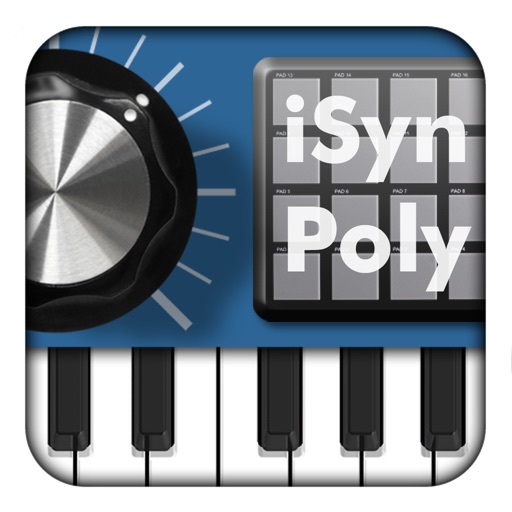
The app transforms an iPhone and iPad into a premium sampler and synthesizer for music production. It offers a dual-layer rompler engine and a touch-optimized workflow for creating studio-quality music anywhere.
Record and MIDI tracks for music production. Edit vocals for pitch and timing. Use virtual instruments and effects. Create drum patterns with custom samples. Mix and automate tracks with unlimited undo/redo.
Create and customize sounds and drum loops. Adjust pitch, tempo, and effects. Layer drones with drum patterns. Export tracks in multiple formats and share directly.
The app allows users to control Mixcraft recording software from an iOS device. Users can start recording and playback, change position, control volume, undo/redo, and save projects wirelessly within the studio.
Play with a graphic equalizer, network streaming, and cloud access. Apply sound effects like Crystalizer and AM3D Audio Enhancer. Use visualization plugins for audio effects. Stream and manage files directly.
Organize and play with customizable collections sorted into "Songs to sing out loud," "Party Songs," and "Chill Hits." Import audio files, manage playlists, and control playback with full media integration.
Create dynamic stereo panning patterns and rhythmic movements for audio tracks. Adjust panning with precise editing and pattern sequencing. Add fluid motion to static sounds or enhance existing audio with evolving stereo effects.
Create and manipulate string-like sounds using physical modeling synthesis. Adjust string tension and delay settings for tone shaping. Play with a 25-key keyboard or MIDI controller. Apply stereo delay and filter effects to modify sound output.
Create and edit music with three virtual analog synthesizers featuring three oscillators, a lowpass filter, and modulation routing. Include a drum machine for rhythm creation. Save and export projects directly from the .
Catalog and organize chord charts and lyrics. Import from online sources or create new charts. Sync across devices via iCloud. Build and share setlists. Transpose, capo, or rewrite chords. Use with metronome, autoscroll, and chord buttons.