Convert images and documents to PDF with one tap. Edit and annotate PDFs. Batch convert multiple files. Maintain original quality during conversion. Share converted files directly.
The app allows users to read FB2 format books on iPad and iPhone. Users can load ebooks through web browsers, iTunes file sharing, or cloud drives like Dropbox, OneDrive, and Google Drive.
HONG KONG SENRONG IMPORT AND EXPORT TRADING CO., LIMITED
Merge PDFs, split pages, convert files
Convert documents, images, and files to PDF with one tap. Split PDFs by page, merge multiple files into one, and export pages as high-resolution images. Create PDFs from images and convert PDFs to image formats.
The app provides a realistic interface for reading novels, documents, and comic books on iPhone. Users can download books from "Aozora Bunko" and organize them on a bookshelf.
Read PDF books with page curl animations and three-directional layout support. Adjust zoom levels for high-speed viewing. Flip pages smoothly and customize display settings for optimal reading experience.
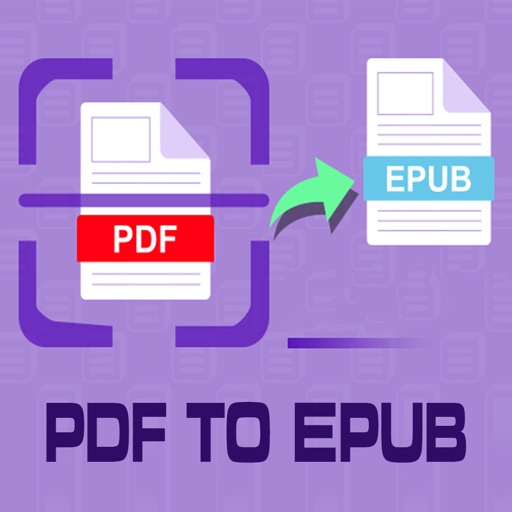
Convert PDF files to format for mobile reading. Edit text, adjust fonts, and customize margins. Export as and share or save to device. Supports iPad, iPhone, and ebook readers.
Read and annotate PDFs with highlighting, freehand drawings, and audio notes. Edit text, sign documents, and convert to other formats. Organize files, merge or split documents, and insert pages or hyperlinks. Import from computer or cloud.
Allows users to unzip or create ZIP archives directly on iOS. Drag and drop to extract or . Share or save extracted or ZIPs to . Customize naming options for ZIP .
Access ebooks and audiobooks in 12 languages. Receive recommendations from friends, experts, and editors. Save , quotes, and notes within the . Organize titles into themed shelves. Sync reading progress across devices.
Convert files to PDF or other formats quickly with a three-step process. Select a file, choose an output format, and tap convert. Scan documents and photos to create PDFs. Edit and annotate converted files. Share results directly from the .
Read EPUB and PDF books offline or online. Organize and manage a custom library. Borrow books from public libraries. Transfer books between devices. Access interactive features in media-rich content. Sync reading progress across iPad, Mac, and PC.
Read books and comics in vertical or horizontal layout. Adjust text size and line spacing for comfort. Support left and right page opening. Sync reading progress across devices. Import and organize personal library.
The app offers a tabbed reading experience for PDF, EPUB, CHM, MOBI, FB2, CBR, and CBZ files. Users can manage books on a shelf, add annotations, bookmarks, and search content across devices.
Convert in multiple languages. Read copied , pasted content, scanned pages, or photos. Store and organize personal library of files. Adjust voice settings and playback speed. Share or save audio output.
Allows users to open and navigate PDF documents. They can highlight text, add , and organize annotations. Users can search within documents and bookmark pages. Export and as files. Share documents and annotations with others.
Scan and read documents using AI-powered text-to-speech. Support PDF and EPUB formats. Adjust reading speed and voice settings. Highlight and annotate text. Sync reading progress across devices.