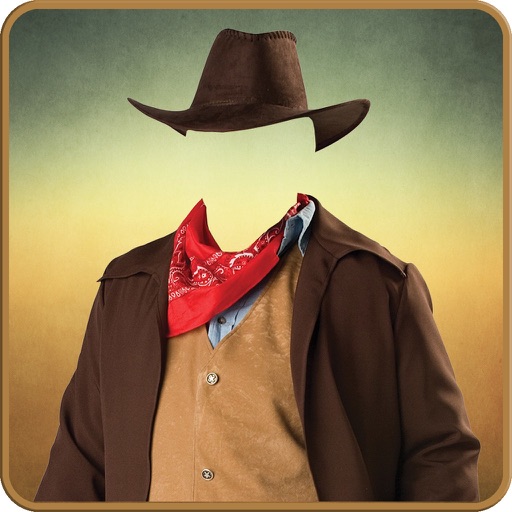
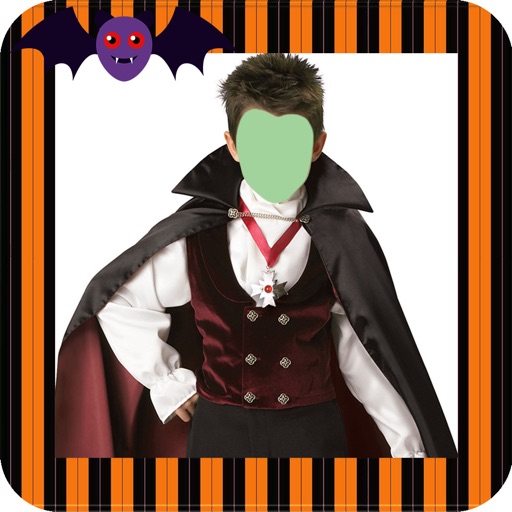
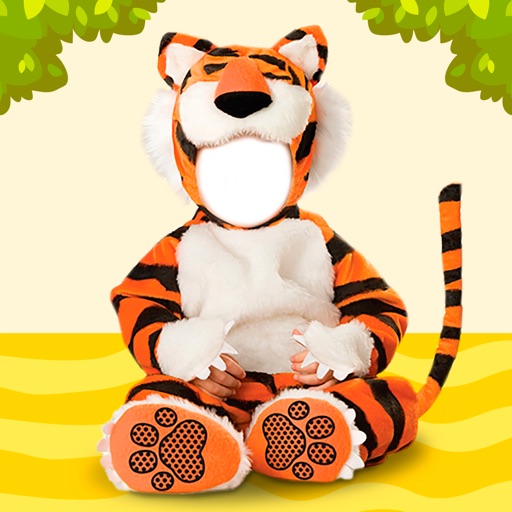
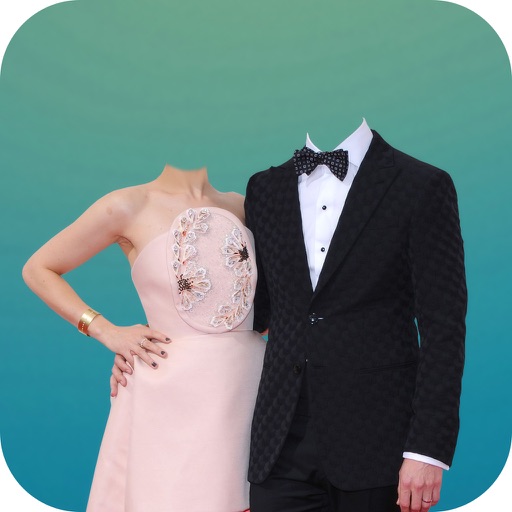
Edit photos by selecting from a gallery or taking new ones. Choose from various -themed to enhance images. Save and share edited photos directly. Create postcards by combining photos with . Adjust and export final edits in different formats.
Create collages by combining multiple photos into a single framed image with captions. Add 2D and 3D effects. Share finished collages on social media platforms like Facebook, Twitter, and Flickr.
Create photo montages, collages, and custom . images by erasing, changing, or adding backgrounds. Cut people from photos and them onto new images. Decorate with personal photos and fun .
Try on different hairstyles and colors on facial photos. Select from over 50 styles and adjust to fit face shape. Add stickers and decorative stamps to enhance photos. Preview changes and save edited images.
Add padding, borders, and frames to photos for optimal platform fit. Adjust padding size and style. Export full-resolution images without quality loss. Process multiple photos in batches.
The app allows users to place their photos on various mockups like billboards and magazine covers. Users can select a template, add a photo, and adjust its size, zoom, and rotation.
Edit photos or by selecting from a gallery and applying a frame. Choose background music or a song. Adjust position, scale, and rotation with touch gestures. View and share the edited content with friends or social media.
Edit photos and videos for social media with adjustable crop ratios and aspect ratios. Save edited content to device and share directly. Create Instagram stories with customizable and add hashtags. Generate collages with multiple image layouts.