Generate AI art from text prompts using Stable Diffusion technology. Create and edit images, emojis, and videos. Download and share artwork directly. Convert ideas into visual masterpieces with advanced AI tools.
Edit designs, process files, and control laser machines wirelessly. Snap images for processing without a computer. Curve text with drag-and-click. Generate barcodes and manage projects across devices.
Create art with hand-drawn illustrations by Olivia De Bona. Choose from 50+ exclusive designs. Use tools to , sketch, and customize images. Save and share completed artwork. Adjust brush size and opacity for detailed work.
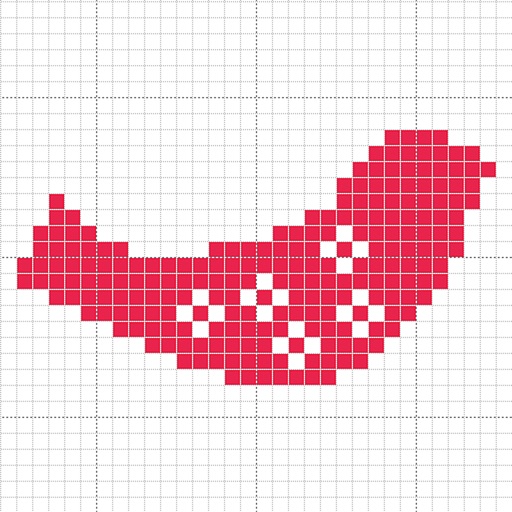
Create custom charts for crafts like cross stitch, bead weaving, knitting, and pixel art. Draw dotted images and design patterns with an intuitive touch interface. Export charts for use in projects.
Turn real-world images into sketches using . Capture photos and apply freehand artwork with intuitive tools. Edit and refine sketches directly on the canvas. Share finished drawings via social media or email.
Create pixel art with automatic double pixel removal for precise line art. Use round, square, and matrix dither brushes. Draw lines locked to isometric angles. Create rectangles and ellipses. Manage layers for animated projects.
Select colors from real-world photos using a picker. Adjust circles to refine shades manually. Generate random combinations for creative exploration. Save and share favorite palettes.
Create art sprites and animations for game development. Draw with Apple Pencil for precise control. Animate frame by frame using a timeline and onion skinning. Export sprite sheets directly compatible with Unity, Godot, and GameMaker.
Create templates using AI-generated ideas. Upload illustrations for practice. Draw and refine artwork with precision tools. Save and export designs in various formats. Share creations directly with social media.