Draw and paint using glowing colors. Use photos as backgrounds or create from scratch. Save artwork to camera roll. Share via email, message, Facebook, or Twitter. Access multiple undo levels. Learn color theory through interactive features.
Create designs with a flexible canvas and 45+ device frames. Sketch with Apple Pencil, build wireframes, and develop interactive prototypes. Collaborate in real-time and export designs in multiple formats.
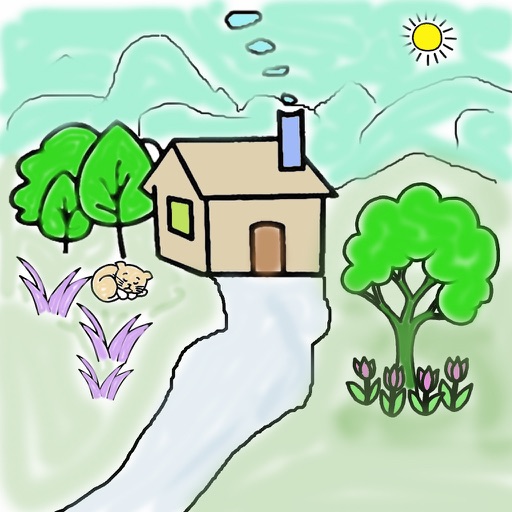
Create and color images using tools and templates. Draw lines and shapes to modify pictures. Save and share completed artwork. Includes pages for coloring and creative activities.
Create long drawings with customizable styles, text, and background colors. Edit photos using filters, stickers, and matting tools. Cut images into various layouts for sharing. Design custom stickers and save screenshots or tutorials.
Creative drawing tools allow users to draw, color, and design with brushes, textures, and shapes. Access a variety of pages featuring animals and educational themes. Erase, resize, and customize artwork. Save and share completed drawings.
Create pixel art with a one-handed interface, layer system, and 1024x1024 canvas. Select ranges, use a visible grid, and edit with native performance. Save and share artwork directly.
Edit photos with filters, contrast, brightness, and color adjustments. Add text, stickers, and drawing tools. Customize images and landscapes. Export in high quality. Access a free image library. Apply advanced editing features.
Paint images onto walls, paper, or canvases using a grid method. sections of an image with your phone's camera as a guide. Transfer photos to large surfaces for DIY projects or professional installations. No artistic skill required.