The app enables users to create content by combining two pictures. Users can reveal the back picture through a masked area on the front picture by touching the screen.
by Takehisa Mashimo★ 0.00 ratingsPhoto & VideoFreeData updated 2026-10-17
Users post during a random two-minute window. are taken simultaneously from front and back cameras without filters. share real-life moments like making coffee or stuck in traffic. Posts are unedited and uncurated, focusing on authentic experiences.
The app warps pictures, making them funny. Users can take new photos or select existing ones to modify by touching the screen or using a random button.
Record using both front and back cameras simultaneously. Capture picture-in-picture footage with one camera. Save videos to the photo library for easy management, sharing, and deletion. Enable night mode for improved lighting.
Record video using front and rear cameras at the same time. View content in picture-in-picture mode. Animate scenes in real-time. Capture moving circles around the subject. Share videos directly from the .
Record videos using front and rear cameras with Switch Cam Mode. Capture feeds in Screen Mode. Use PIP Mode for picture-in-picture video playback. Edit and share recorded content directly.
The app allows users to create interactive presentations and demo videos. It offers features like freehand sketching over live video, adding pictures and shapes, and picture-in-picture recording.
Record using front and back cameras simultaneously. Adjust picture-in-picture frame size and position. Flip cameras in real time during recording. Share videos to social media platforms including Stories and feeds.
The app presents jigsaw puzzles with cartoon pictures for children aged 2 to 12. Users assemble puzzle pieces to reveal images, with multiple picture sets and difficulty levels available.
Create and annotate live video or images with freehand sketches. Insert pictures, shapes, text, and labels. Record videos or screen captures and save to device photo library. Use picture-in-picture features for interactive demonstrations.
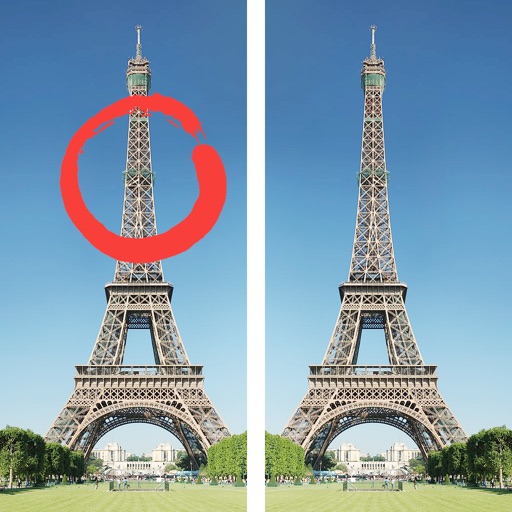
Compare two images to identify differences. Complete 1000+ levels with unique visuals. Automatically save progress. Enjoy calming background music throughout gameplay.
Create images using two photos. Track pregnancy weekly with developmental milestones. Share results with others. View growth charts and body changes during pregnancy.
The app allows users to create Christmas-themed photos using various masks and export them via email or camera roll. It supports front and back cameras, loading images from the camera roll, and includes 72 fun models.
Find words in picture-based crosswords. Switch between multiple languages and retain progress. Play in landscape or portrait mode. View beautiful graphics and visual effects.
Edit with one-click cutout and batch processing. Remove unwanted elements and replace backgrounds. Create collages and ID . Use templates and stickers for design. Perform multi-layer synthesis and green screen effects.
To reveal hidden images featuring letters and numbers. Color the completed picture to reinforce learning. Trace letters and play car racing . Includes multiple interactive activities for practicing ABCs and numerals.
The app combines multiple photos into one framed picture. Users can add patterns, stickers, text, borders, filters, shapes, and frames to their photos.
View images and accompanying explanations from NASA’s Astronomy Picture of the Day. Save favorite photos to a personal collection. Access the full APOD archive dating back over 30 years. New images are available daily around midnight ET.