Adjust image and crop in inches or centimeters. multiple photos on a single sheet. Preview exact dimensions before sending. Ensure high resolution by checking PPI settings and avoiding stretching below 200-300 PPI.
Create vector-based sketches and designs on an infinite canvas. Sketch plans, make notes, and draw storyboards. Organize ideas with mindmaps and doodles. Iterate and experiment with designs. Export and share work.
Pollux Bilisim Teknolojileri Sanayi ve Ticaret Limited Sirketi
Sketch on photos with AR
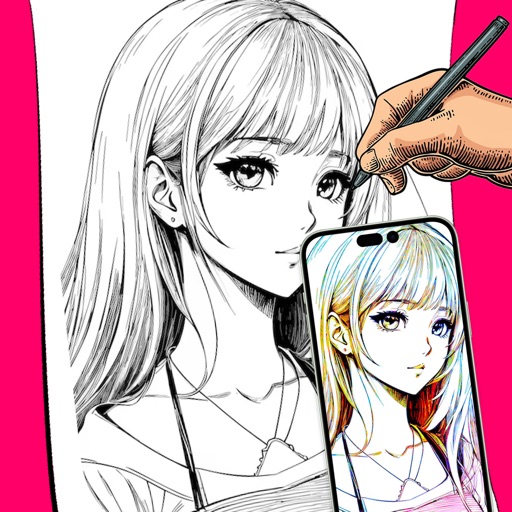
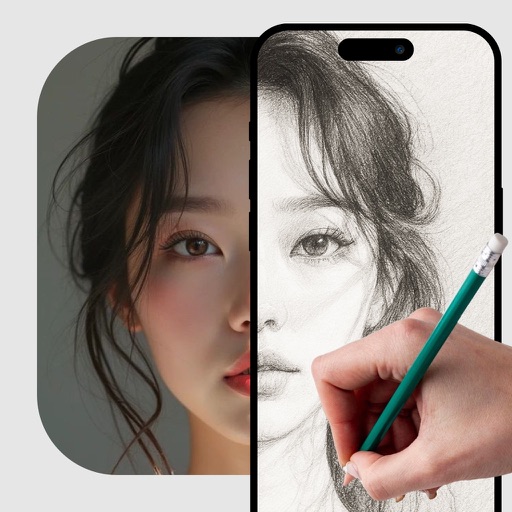
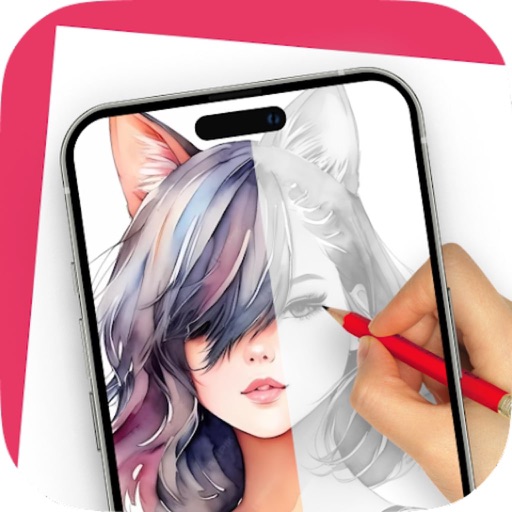
Use AR to sketch and draw on photos with realistic ink effects. outlines or create pencil sketches from images. Convert photos into artistic drawings with AI-powered tools. Save and share finished artwork directly.
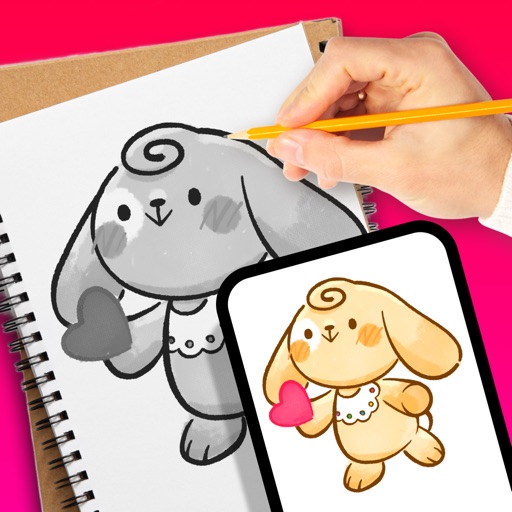
Draw Anything with AR allows users to sketch and paint using augmented reality. Users can select or upload images and projected lines for accurate drawings. The provides templates for anime, chibi cars, and animals.
Draw on whiteboard, blank canvas, or images using pen, line, arrow, and shape tools. Edit photos with filters, adjustments, effects, and crop options. Customize tool size and transparency. Add text, stickers, and emotions.
Use AR to draw on real surfaces by outlines. Share drawings with others. Learn techniques through interactive lessons. Practice new skills in a realistic environment. Export artwork in various formats.
The app offers a safe, ad-free, offline coloring and drawing experience for children aged 2 to 5. It combines animations, learning activities, and step-by-step drawing lessons to foster creativity and early learning skills.
Use camera to project image outlines onto paper for tracing. Choose images from gallery or collection. Follow lines to practice sketching. Suitable for beginners, artists, and students. Improve hand-eye coordination.
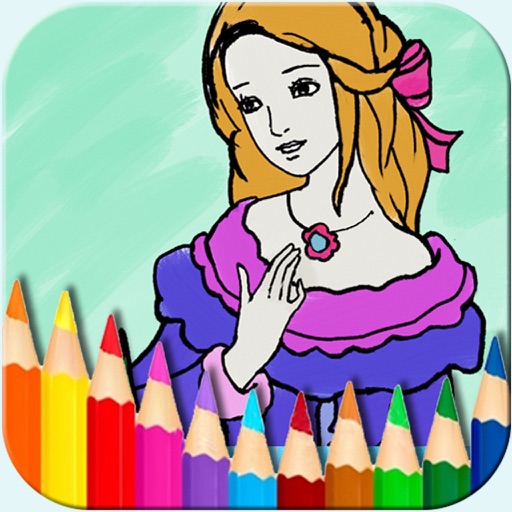
The app offers a digital coloring experience with over 150 free princess and fairy pictures. It includes 10 brushes for drawing and painting, and a movie feature to record and replay drawings as animation clips.