Play sounds with studio-quality tones. Use round robin and per-key sampling for authentic playback. Apply effects like delay, reverb, and modulation. Adjust settings for custom sound shaping. Save and share compositions directly.
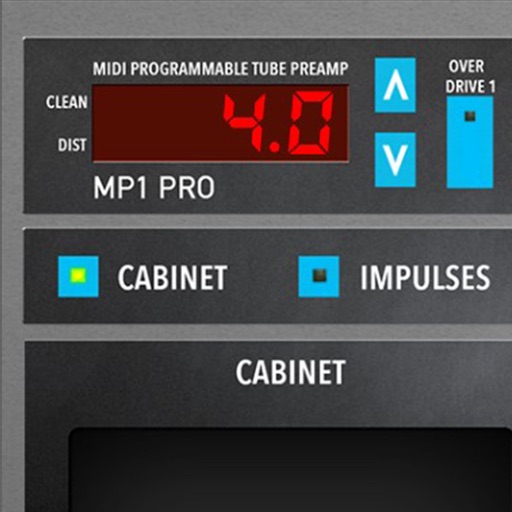
Adjust audio signals with tri-state voicing options for distortion tube, clean tube, or solid state. Apply digital delay with lo-fi filter and time offset controls. Customize power amplifier settings including presence, resonance, and power switch.
Play MIDI keyboard and pedal inputs to access the 2 sample set. Adjust MIDI settings for keyboard and pedal. Load and manage sample sets. View and modify instrument parameters. Save and recall presets.
Send and receive signals between mobile and macOS devices. Control two controllers simultaneously. Configure controller settings and polarity on the mobile device. Connect via network session on macOS.
Allows users to route and process MIDI events by dragging and arranging modules and ports on a canvas. Connect modules in series or parallel. Adjust pan, zoom, and scroll settings. Create complex MIDI setups or simple configurations.
Play piano using a grid-based key layout. Select MIDI voices and adjust scales. Enable sticky keys for practice. Adjust note duration and velocity. Save and load custom configurations.
Create and manipulate sound using 3 oscillators per voice, each with different wavetable options. Modulate parameters for dynamic sound shaping. Integrate with DAWs via AUv3 plugin for MIDI input and sound source use.