Learn and practice with interactive exercises and step-by-step problem solving. View worked examples, track progress, and receive instant feedback on answers. Set custom practice problems and adjust difficulty levels.
by PalaSoftware Inc.★ 4.362 ratingsEducation$4.99Data updated 2026-09-08
Perform structural optimization in three dimensions.
The app performs structural optimization using the topology optimization method in 3D. Users can move loads and supports to observe design evolution and experiment with volume fractions and grid sizes.
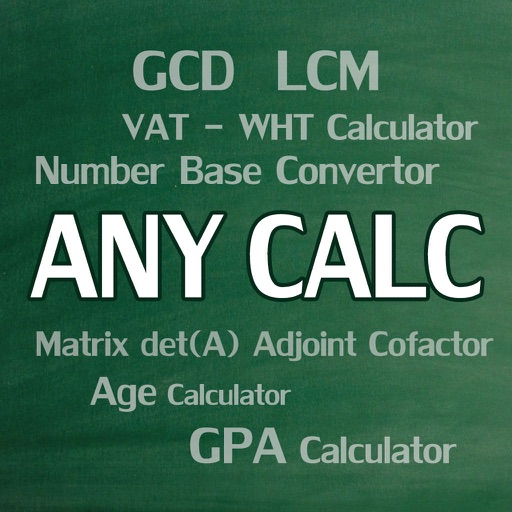
Perform calculations with fractions, trigonometric functions, statistics, and exponential/logarithmic operations. Use exam mode for test environments. Replace traditional calculators with this tool for math and science learning.
The app provides step-by-step solutions for fraction problems, supporting mixed and improper fractions. It includes a quiz mode with adjustable difficulty and hints, and a decimal mode for calculator functions.
Perform structural optimization by topology method.
The app performs structural optimization using the topology optimization method. Users can move loads and supports to observe design evolution and experiment with volume fractions and grid sizes.
Solve equations, perform algebraic calculations, and graph functions. Support for multiple models including TI-83, TI-84, TI-89, Casio FX, and Sharp EL. Includes a scientific , fraction simplifier, and unit converter.
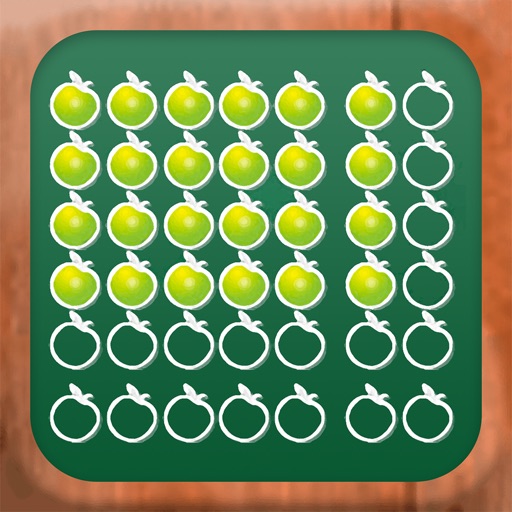
This app helps learners understand multiplication and division with whole numbers. It supports developing fluency and provides visual models and focused content.
Percentages by entering two of three variables. Use a modified keyboard to input values, including fractions and decimals. Store calculations in a history log. View detailed solutions and share results. No advertisements.
Solve fractional expressions with an AI tutor that breaks down calculations step by step. Input any fraction problem, pause, or step through simplification manually. View detailed explanations for each mathematical operation.
Teachers can use the to facilitate math activities with problem-solving games that focus on . Students can explore levels designed to build foundational math understanding.
Enter math to . Input numerical or literal , fractions, powers, and periodic numbers. Check correctness with a preview and step by step. Requires internet connection. Results are automated and may not always be accurate.
Educational apps for ages 2-11 focus on math, logic, letter tracing, and 21st-century skills. Include interactive games, learning videos, and progress tracking. Allow up to six player profiles. Enable parental access via a single subscription.
Calculator displays calculations in real-time and saves a history accessible by swiping up. It handles fractions, converting between proper, improper, and mixed formats. It supports degrees, minutes, and seconds for angle input.