Play music, customize playlists, and control playback
Play music files in multiple formats including , APE, and MP3. Customize 3D and normal sound effects. Queue and manage sound effects. View and control lyrics. Share custom sound effects. Control playback with a customizable interface.
Manage and play audio files directly on Apple Watch. Add files from various sources. Organize by albums and artists. Create playlists and mark favorites. Control playback speed and resume positions.
Play files from your device with support for all formats. Adjust sound using a built-in equalizer with bass boost and reverb effects. Browse and organize songs. Control playback with a simple, stylish user interface.
The app provides free access to urban Christian music on iPad and iPhone. It features a full music player with stations, playlists, and background audio without requiring a signup.
Allows users to access music files stored on their PC, Mac, network drive, or Time Capsule. It scans and organizes music libraries, enabling playback on iOS devices without syncing. Users can browse and play tracks directly from their local storage.
Play files from local folders. Browse and search through organized folders. Manage playlists and organize songs by artist, album, or folder. View cover art and metadata. Support for multiple audio formats. Sync playback history and queue.
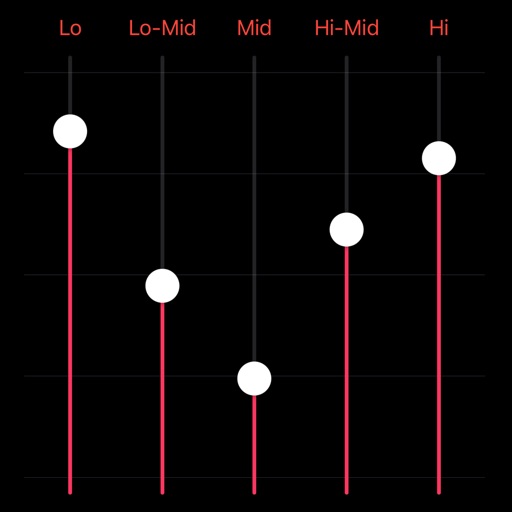
Play audio directly from system and cloud sources. Adjust sound with a 10-band equalizer. Control playback speed from 0.5x to 2x. Use background playback and AirPlay. Organize playback queue. Enable smart shuffle and loop options.
Boost audio and clarity for music, podcasts, and files. Enhance for deeper sound. Adjust settings to customize audio output. Works with local and cloud-stored media.