Display the current time with customizable themes and a Swiss font. Enable night mode for a dimmed screen. Disable auto-lock to keep the open. Sync with a docking station for a larger display.
Adjust gimbal motor settings manually or automatically based on camera setup. Control camera functions, calibrate the gimbal, and update firmware remotely. Adjust motor power, speed, and focus parameters for precise operation.
Control Blackmagic Design cameras wirelessly via the Camera Control API. Adjust settings like focus, exposure, and white balance in real time. Access and modify camera parameters remotely without physical interaction.
Automatically detects subjects and backgrounds to create bokeh effects. It applies Gaussian, motion, or zoom blur. Built-in filters enhance photos. No manual object selection is required.
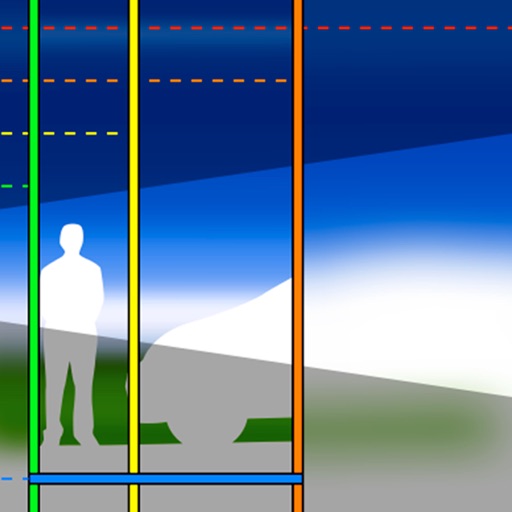
The app visually represents depth of field and angle of view through interactive graphics, a map, and augmented reality. Users can input object distance and adjust aperture and focal length to understand photographic parameters.
Capture distant objects with enhanced capabilities. Adjust focus and exposure for clear images. Save and share high-resolution photos. Access mode for detailed views of celestial objects.
Record videos with on-screen text guidance. Adjust scroll speed and text size for customization. Set fill colors for high contrast. Align text left, center, or right. Flip or mirror for glass rigs. Use front or back camera for shooting.
The app graphically illustrates depth of field and field of view for SLR cameras and lenses. Users can explore aperture, focal length, and focal distance in real time to understand how depth of field works.