Convert images to JPEG, JPG, or PNG formats. Support for multiple file types including HEIC, APNG, GIF, and WebP. Batch conversion of multiple images at once. Transparent colors in JPG conversions become white. No mention of name.
Set a focus topic, then listen to a guided meditation that explores the connection between self and the universe. Adjust volume and pause as needed. Syncs with Apple Health for mindfulness tracking.
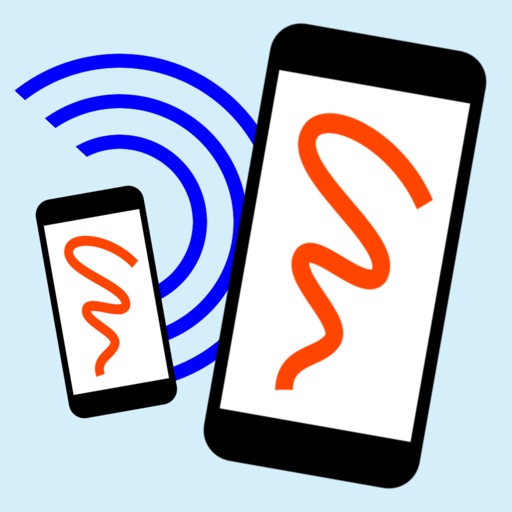
The app allows users to connect over Wi-Fi or Bluetooth for shared creative activities. Users can play games, paint, edit photos, or make notes together, with creations automatically saved and shared.
And on your Apple Watch with customizable brush sizes and blur radius settings. Access a large color palette and save or undo changes. Delete drawings as needed.
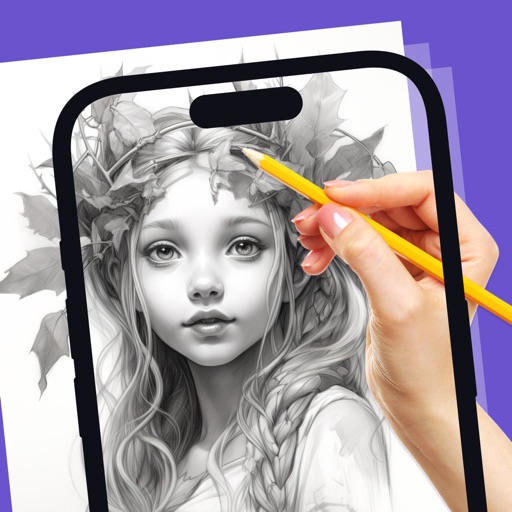
Allows users to create artwork on any surface by projecting templates onto real-world surfaces via camera. Users can outline projected images in real life and watch their sketches materialize.
Find and select colors using intuitive gestures. Save and share colors with their hex codes. Edit colors using a hex keyboard. Capture colors from images. Choose from themed palettes.
Create pixel art with a one-handed interface, layer system, and 1024x1024 canvas. Select ranges, use a visible grid, and edit with native performance. Save and share artwork directly.
Convert text into images using AI. Enhance photos with AI elements. Increase resolution for detailed visuals. Position images with precise control. Edit and refine AI-generated art. Export final designs in various formats.
Create and customize digital artwork with a wide range of colors and brushes. Choose from pre-designed pages or upload personal images for . Switch to dark mode to reduce screen strain. Save and share completed drawings.