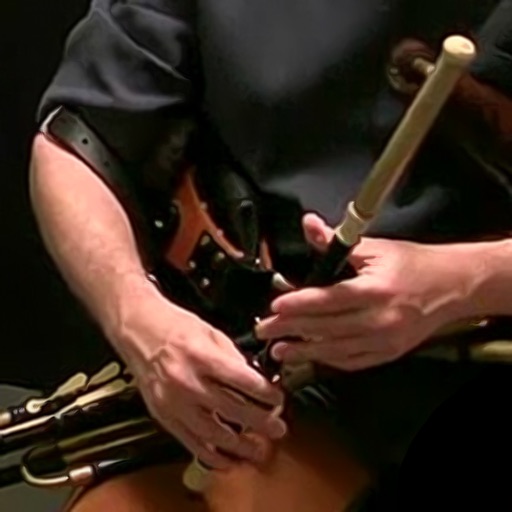
Play traditional with realistic sound and responsive controls. Adjust tuning across D, C#, C, B, and Bb. Emulate chanter, drones, and regulators. Use hardware MIDI input for演奏. Set and adjust tuning within +/- 50 cents.
Play with adjustable octave and size. Use two keyboards on iPad. View sheet music while playing. No internet required. Full version available. No ads. Syncs with Mac .
Send and receive signals between mobile and macOS devices. Control two controllers simultaneously. Configure controller settings and polarity on the mobile device. Connect via network session on macOS.
The app allows users to compose monophonic ringtones using their phone's buttons. Users can input musical notes, adjust note duration, pitch, and octave, and insert rests.
Create and manipulate audio delays with vintage and modern modes. Adjust modulation, filtering, and timing settings. Sync delays to BPM or set precise milliseconds. Apply fine-tuned micro-timing adjustments. Export processed audio files.
Play electronic drums with 154 kits and realistic graphics. Use Midi In/Out for integration with digital audio workstations. Customize sounds and adjust settings for tailored performance. Save and share patterns.
The app calculates delay times and oscillator frequencies that match a given tempo. It also identifies the fundamental frequency of any MIDI note and lists notes within a specified scale.
Create and manipulate MIDI sequences with swing, quantization, and probability gates. Add rhythmic accents and textures via cloud modules. dditional notes based on granular synthesis techniques. Control all features via MIDI input.
Play using a USB MIDI keyboard with 25 or 37 keys. Connect to iPad for full functionality. Access tutorials for setup and use. Select instruments and adjust settings. Export audio recordings. Control volume and effects. Sync with other music apps.