The app creates customized postcards using photos from the Photos app. Individualized captions and messages can be added, and the postcard can be sent via email, text, or social media.
by Manfred Breede★ 1.01 ratingsPhoto & Video$0.99Data updated 2026-10-17
The app allows users to create images using a text editor and drawing tools. Users can select from different pencil types and colors, change backgrounds, and add captions to photos.
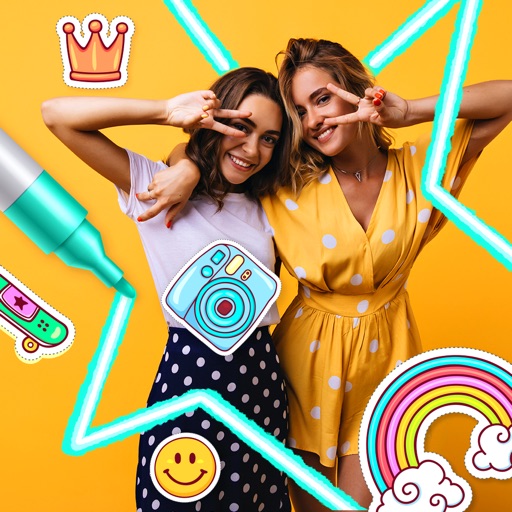
The app allows users to combine photos into frames, add stickers, and apply effects. Users can resize, move, and rotate photos to fit frames before sharing them via social media or email.
The app allows users to create and send physical postcards from their mobile devices. Users can select photos, add text, and choose from different formats and templates.
Create frames by selecting shapes, colors, and adding text. Use phone images for basic frames or adjust shape and position with Pro Pass. Event Mode allows guests to take photos with adjustable settings managed by an administrator.
Take photos of wall murals with the camera or select images from the gallery. Preview 3D models by swiping or pinching. Export 3D models in .stl format for 3D printing.
The app provides an easy way to download original quality photos from a Flickr account. It offers batch downloading of sets and retains file titles and tags.
Create and affirmations by adding text to customizable backgrounds. Design motivational posters or add text to photos. Choose from various fonts, colors, and layouts. Share finished designs directly to social media or save for later.
Edit photos with holiday , background images, and overlays. Add text and decorations. Share festive creations via social media or email. Customize cards and images with seasonal themes.
The app provides camera and video functions, including automatic photo capture and timed shots. It offers video playback, photo editing with filters and effects, and options to email, SMS, or tweet photos.
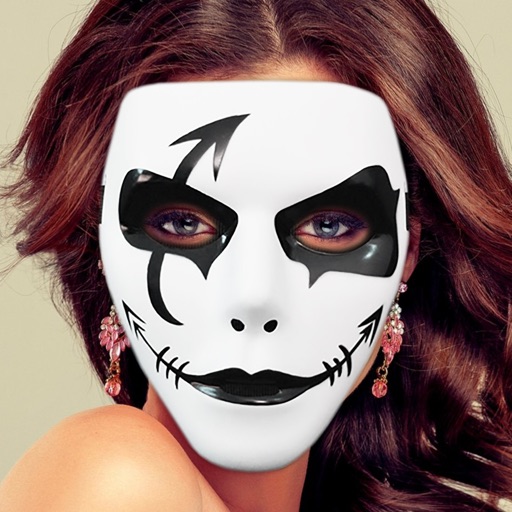
Edit photos with enhancement tools, effects, and frames. Add stickers and overlays. Crop, rotate, and adjust brightness, contrast, and saturation. Remove blemishes and red eye. Apply color splash and sharpen or blur images.
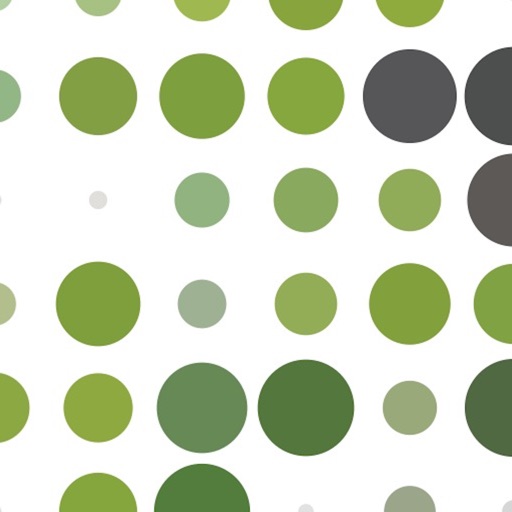
Create images by adjusting dot size and blending ratios. Apply rare effects to photos. Generate images similar to newsprints or street advertisements. Export and share modified photos.
The app offers over 200 free effects, including Hall of Mirrors, psychedelic colors, and kaleidoscope views. Users can apply these effects to photos and share them via social media.