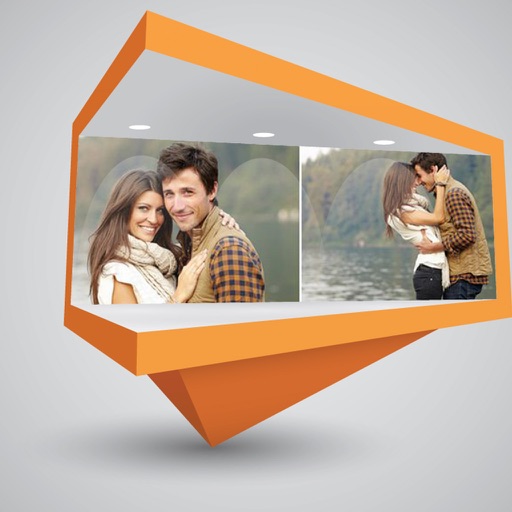
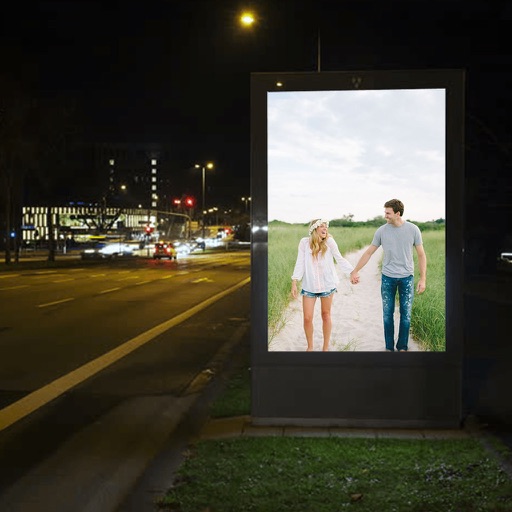
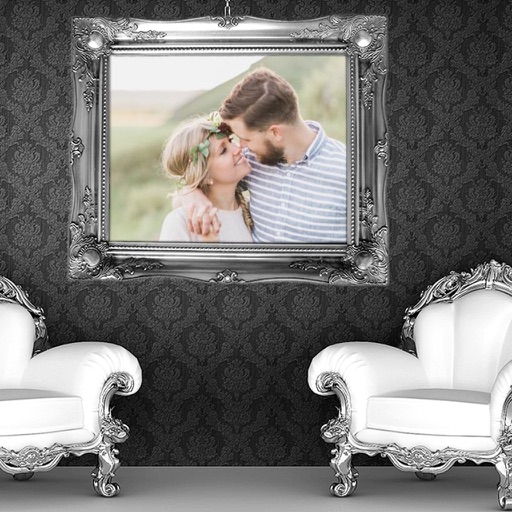
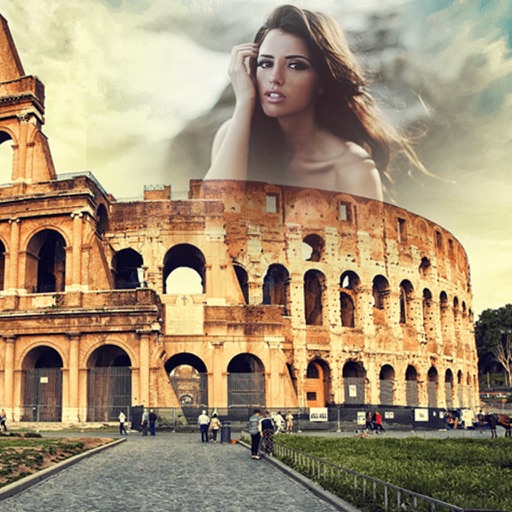
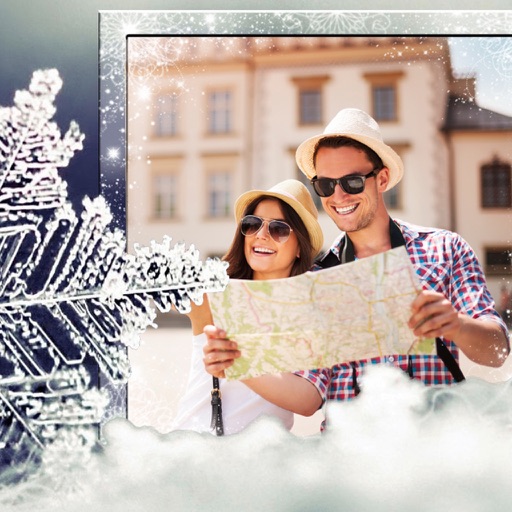
The app creates customized postcards using photos from the Photos app. Individualized captions and messages can be added, and the postcard can be sent via email, text, or social media.
by Manfred Breede★ 1.01 ratingsPhoto & Video$0.99Data updated 2026-10-17
Create collages, posters, and cards using templates. Add and arrange photos, apply different styles, and adjust details. Share finished designs directly or export in multiple formats.
Edit photos by selecting from a gallery or the camera. Apply multiple stylish and effects. Adjust position, size, and angle with finger gestures. Share edited images directly.
Create and share 30-second videos, updates, and profile pictures. Upload content to social media apps. Edit and generate inspirational text images. Share personal thoughts or messages with visual elements.
Edit photos with filters, cropping, and brightness adjustments. Create collages using customizable templates. Add stickers, text, and drawings. Design storybooks with pages and layouts. Share edited content directly to social media.
Add high-quality , decorations, and clip arts to photos. Organize into categories. Rotate, scale, and adjust fade values. Customize background color and fade for transparent . Include emoji, love, and letter for personal messages.
The app allows users to create 3D photos and videos by capturing two images or recordings of the same subject. It supports various 3D viewing methods, including anaglyph and split-screen formats, and offers options for static or moving objects.
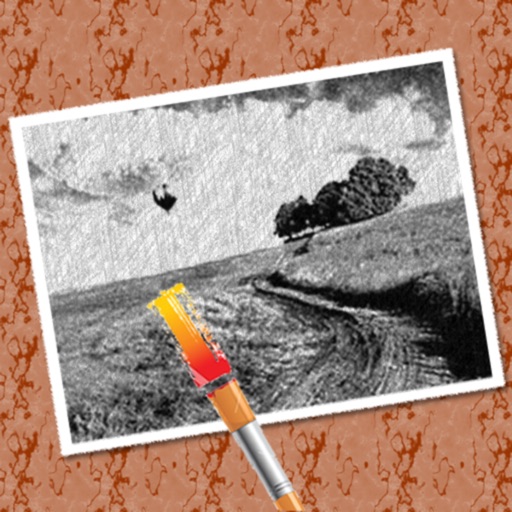
The app converts photos into pencil sketches for coloring. Users can import pictures from photo albums, the camera, or Flickr, and color them using touch controls.
Edit photos to create -profile images using real photos. Adjust angles, enhance features, and apply natural filters. Preview and share generated images directly. No fake filters or awkward photoshoots.