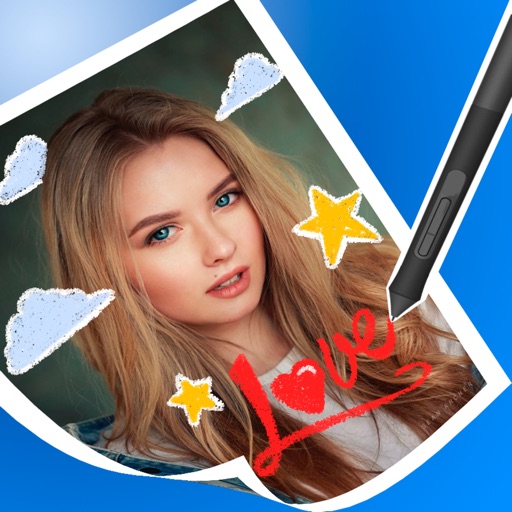
The app creates customized postcards using photos from the Photos app. Individualized captions and messages can be added, and the postcard can be sent via email, text, or social media.
by Manfred Breede★ 1.01 ratingsPhoto & Video$0.99Data updated 2026-10-17
Create digital cards by selecting themes and adding decorative elements like flowers and frames. Enhance photos with beauty accessories and customize them using various items. Save or share cards on social media.
Resize photos to custom dimensions for social media, websites, and emails. Adjust sizes via slider or manual input. Access photos from camera, files, or web links. Save edits to history and share directly or store in photos.
Remove unwanted objects from photos using AI-powered image processing. Edit blemishes, erase lines or wires, and eliminate scratches. Delete any elements not desired in the image. Save and share the edited photos.
Convert photos into limited-color posters with a effect. Apply filters to adjust colors and brightness. Share images on social media platforms like Facebook and Twitter. Save or email the edited photos directly.
Create greeting by selecting and photos from your gallery or camera. Adjust photos with zoom, rotate, and move gestures. Save and share through social media apps.
Create and apply with military-themed designs to commemorate Day. Add text and decorations to photos. Share edited images on social media or via email. Include patriotic effects and background themes.
Add text to photos with caption, bubble, and thought bubble options. Choose from 6 free frame styles and multiple caption designs. Adjust text size, position, and appearance.
Create twin-style photos by applying mirrored filters and effects to selfies. Swap faces in images and videos. Share edited photos directly to social media platforms. Add captions and stickers for humor.
Edit photos with 60+ high quality filters and 10 types of grain effects. Adjust exposure, shadows, and contrast. Add bloom for highlights and soften the image. Export edited photos in various formats.
The app allows users to print photos using the Bolle Photo Advance printer. Users connect to the printer's wifi, select and edit a photo, and then print it in under a minute.
The app offers photo editing with frames, stamps, and templates for business and greeting cards. It includes functions for collages, filters, text, and QR codes, supporting a special metallic layer for printing.
Identify and duplicate photos using smart grouping. Recognize favorites, edits, faces, and eye states. Confirm photos to keep; remaining images are moved to the Bin for final review before deletion.
Edit photos with filters, cropping, and adjustment tools. Add text, stickers, and borders. Create collages and share directly. Export in multiple formats. Sync with social media platforms.
Create holiday-themed photo frames with customizable messages and stickers. Add festive decorations to photos. Share edited images directly via social media or email.
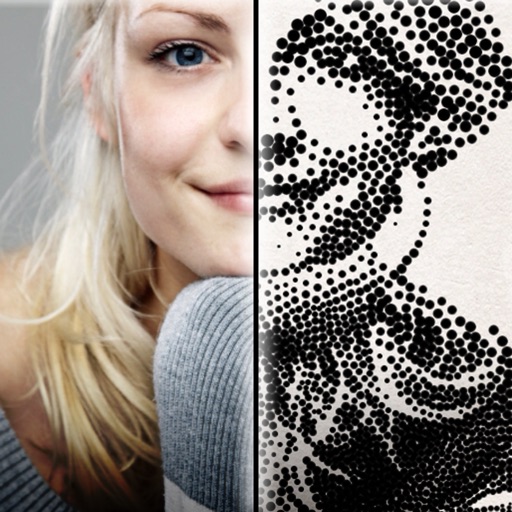
The app creates customized professional stipple drawings from photos using easy editing tools. Users can adjust contrast, brightness, and the number of dots to transform photos into unique works of art.
Organize photos from Facebook, Instagram, Google+, , and Flickr in a 3D interface. Browse images with 3D navigation. Share photos directly from the . Integrate with 500PX and other curated feeds.
Create designs with 4,000+ templates and 50+ fonts. Use pre-made projects to customize layouts. Edit photos in- with basic tools. Export designs for printing.